6 Applications
46
6.8.2 Timer
1
On the Home screen, tap
>
> .
2
Tap the keypad to specify the time period. It is entered in the following order: hour, minute, second. If you
want to delete the number you entered, tap
.
3
Tap to start the timer.
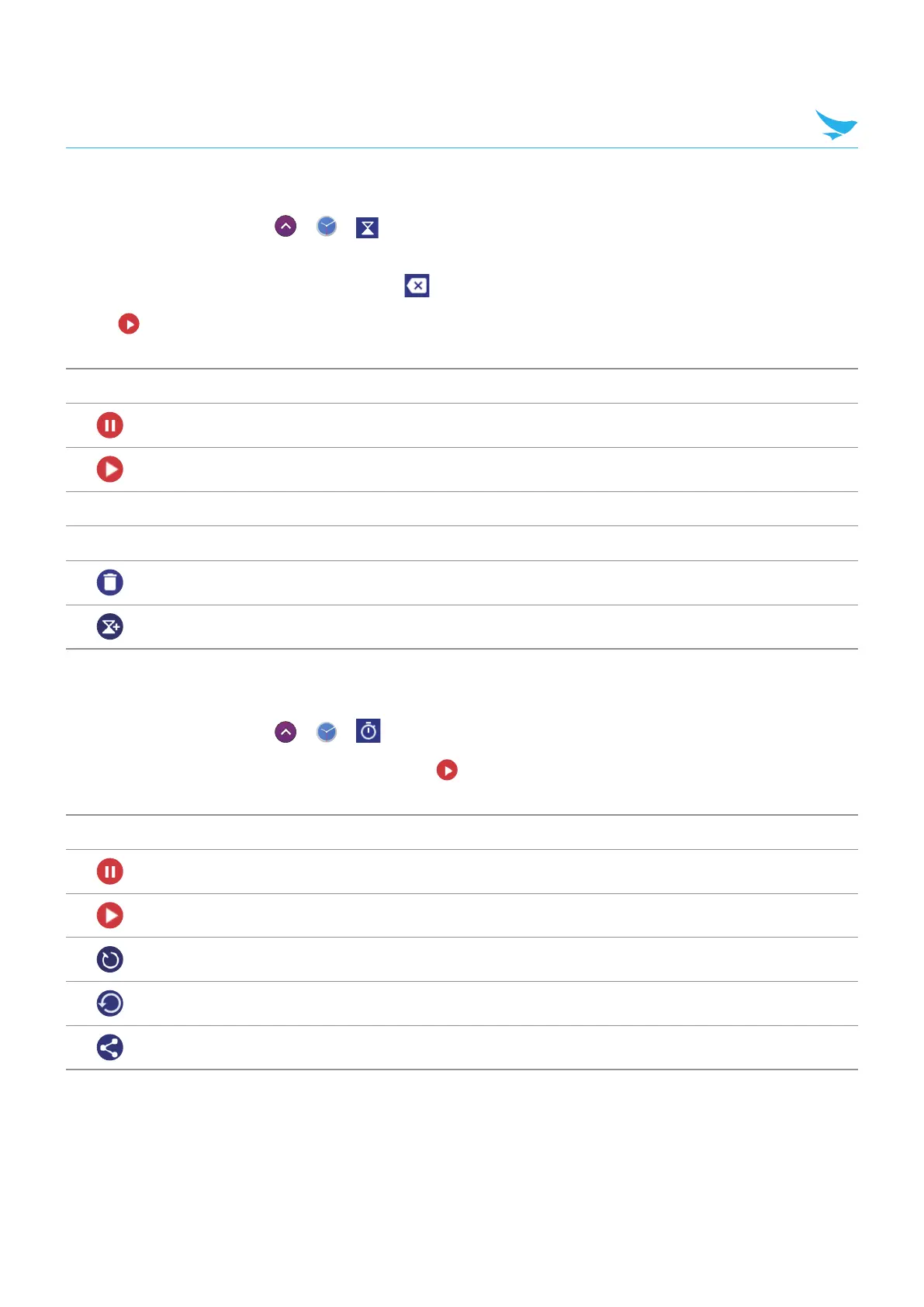
The following icons are displayed on the timer screen.
Icon Description
Pause the timer.
Restart the timer after pausing it.
Label Make a name for the timer.
+1' Add 1 minute to the current amount of time left.
Discard the timer.
Add a new timer. Swipe up and down to search for added timers.
6.8.3 Stopwatch
1
On the Home screen, tap
>
> .
2
Tap the clock on the middle of the screen or tap to start the stopwatch.
The following icons are displayed on the stopwatch screen.
Icon Description
Pause the stopwatch.
Restart the stopwatch.
Record the lap times.
Stop the stopwatch.
Share the results. You can share the results via Bluetooth, email, etc.



 To Next Page