6 Applications
33
6.3.3 Viewing Call Log
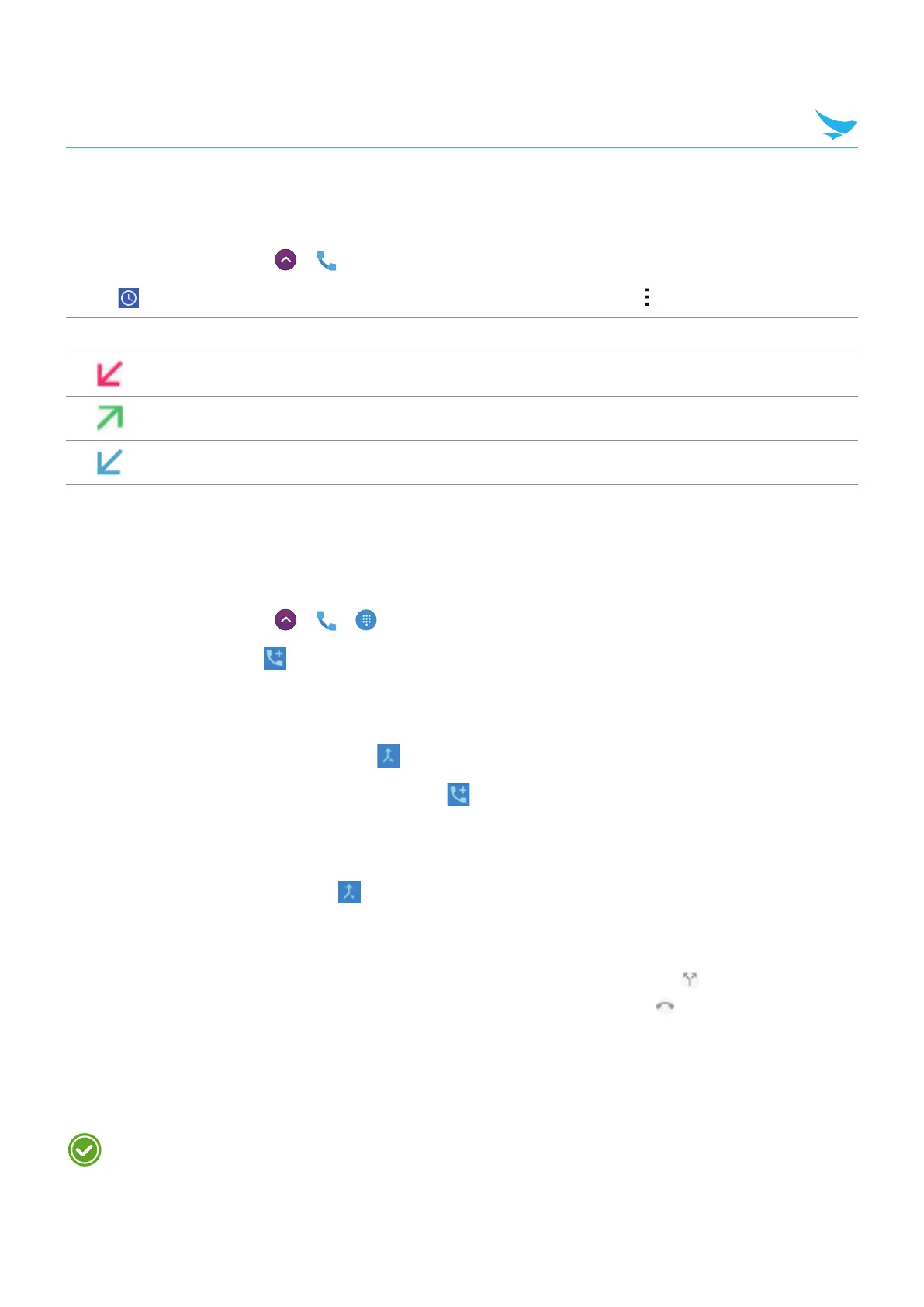
The call log displays the dialed, missed, and received calls.
1
On the Home screen, tap
>
.
2
Tap on your Phone app. You can also open the call log menu by tapping > Call History.
Icon Description
Missed incoming calls
Outgoing calls
Received incoming calls
6.3.4 Making Conference Calls
You can make a conference call with many people. The maximum number of people who can be in a
conference call at once depends on your service provider.
1
On the Home screen, tap
>
> .
2
Make a call first and tap to add another person to the call.
The first call will be put on hold.
3
Dial the second number and make the call.
4
When the second call is connected, tap to create a conference call with three people.
5
To add another person to the conference call, tap .
The conference call will be put on hold.
6
Dial the third number and make the call.
7
When the call is connected, tap to add the line to the conference call.
You can do following options during the conference call.
• To view all callers participated in the conference call, tap Manage conference call.
• To disconnect one caller from the conference call, tap Manage conference call >
.
• To separate one caller from the conference all, tap Manage conference call >
.
6.3.5 Making Emergency Calls
You can make emergency calls to 911 even when your phone is locked, not registered for mobile network
service, or a SIM is not inserted. No charges for making emergency calls.
The emergency numbers may vary by country.



 To Next Page