5 Basics
18
5.5.1 Viewing the Status Bar
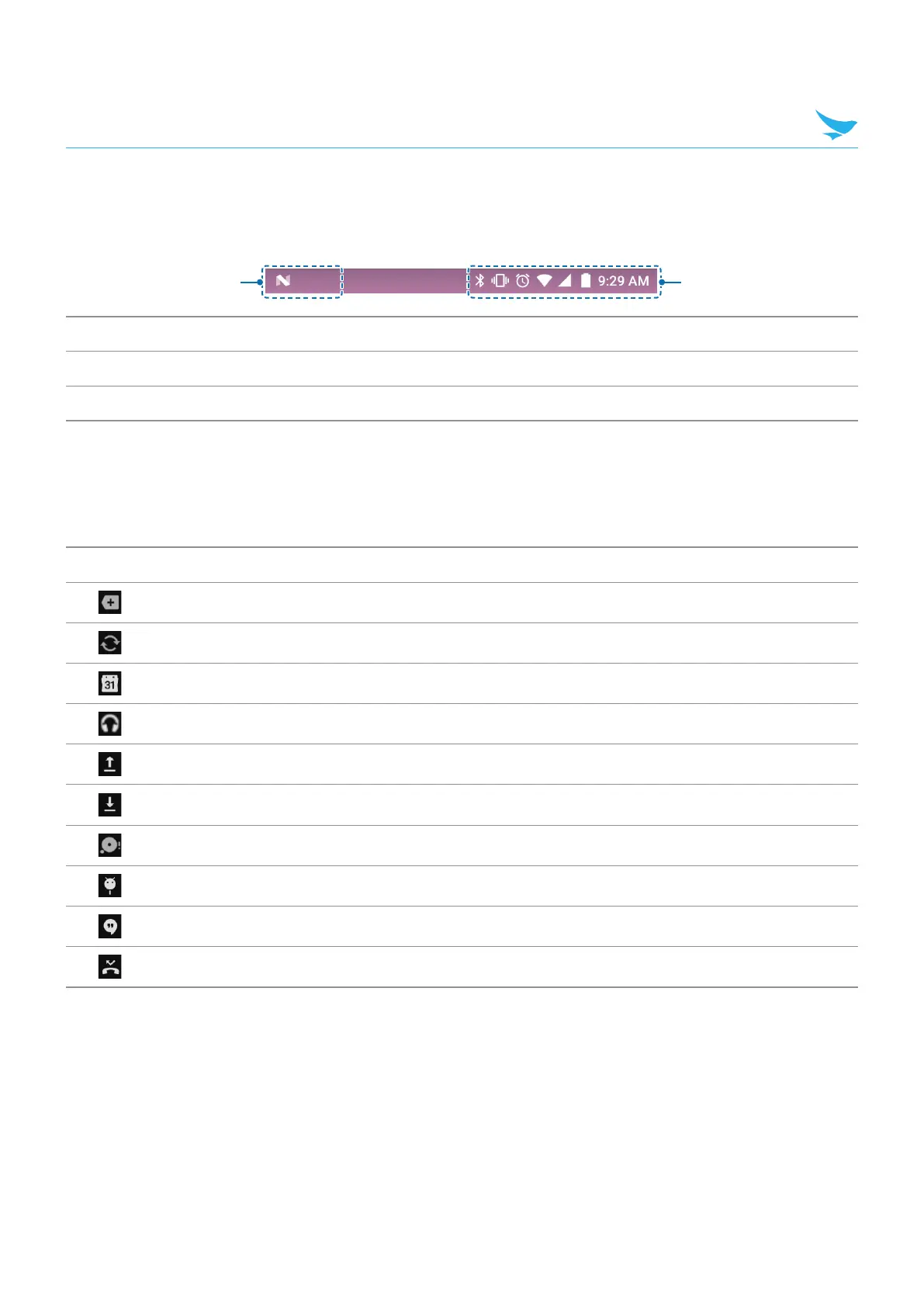
The status bar appears at the top of the screen. It displays the status icons and the current time on the
right, and the notification icons on the left.
1 2
No. Description
1
Notification icons
2
Status icons and the current time
5.5.2 Notification Icons
Notification icons in the status bar alert you to notifications, such as upcoming events, messaging, emails,
missed calls, data usage, and much more.
Icon Description
Indicates that there are more notifications that are not displayed in the status bar.
Indicates that data is syncing.
Alerts you to an upcoming event.
Indicates that a song is playing.
Indicates that your device is uploading data.
Indicates that your device is downloading data.
Indicates that the micro SD card is almost full.
Your device has detected an active USB connection.
Indicates that your device has received a new text or multimedia message.
Indicates that you have missed calls.



 To Next Page