6 Applications
27
6.3 Phone
6.3.1 Making Calls
On the Home screen, tap > .
You can simply dial the number, tap on a number on the call log, or choose a number in your contacts.
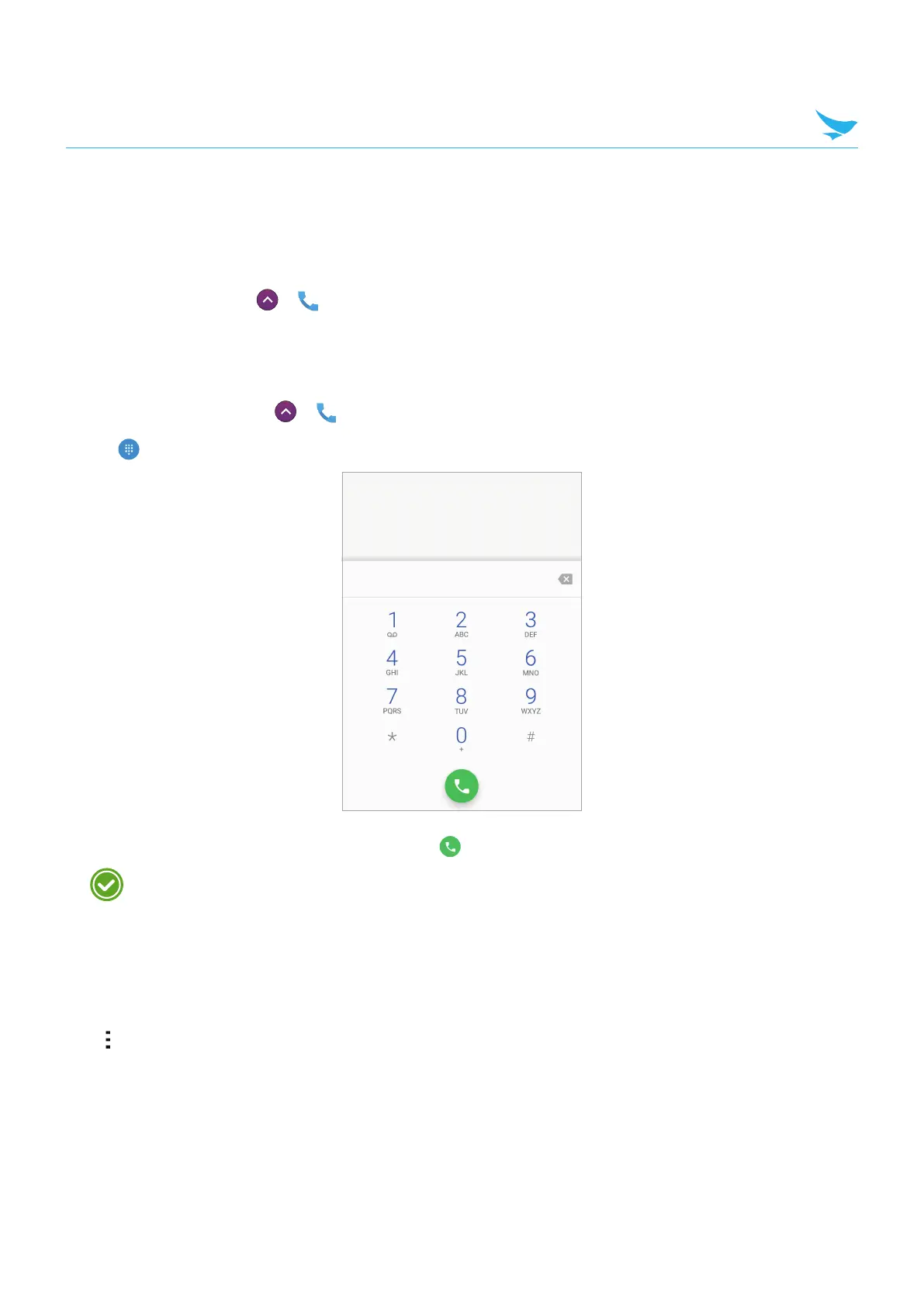
To make a call on the dialer screen
1
On the Home screen, tap
>
.
2
Tap on your Phone app.
3
Tap the keypad, enter a phone number, then tap to call.
Touch and hold number 1 key to use voicemail.
Enter digits and the following options appear on the top of the screen.
• Create new contact: Select to add a new contact.
• Add to a contact: Select to add a number to the contact list as an existing contact.
• Send SMS: Select to send a text message to the dialed number.
Tap on this screen for dialing options.
• Add 2-sec pause: Select to add a two-second pause before the phone dials the following sequence of
digits. Multiple pauses can be added.
• Add wait: Select to make the phone dial the sequence of digits when you tap Yes on the pop-up screen.



 To Next Page