
 Need help?
Do you have a question about the BlueParrott B250-XTS and is the answer not in the manual?
Turn on the headset and press the power button for 3 seconds to enter pairing mode.
Select 'B250-XTS' from your phone's list of available Bluetooth devices.
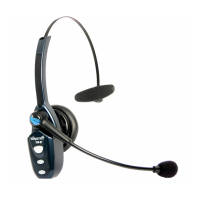
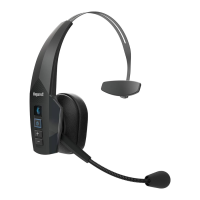
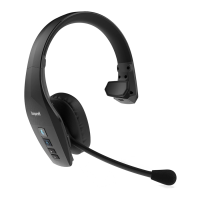
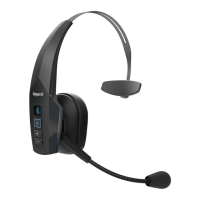
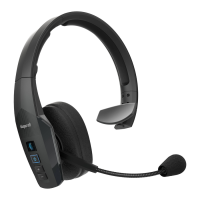
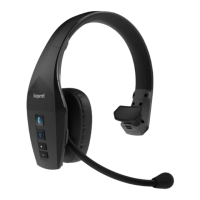
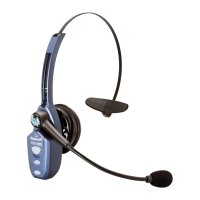
Overview of headset buttons for power, call management, volume adjustment, and charging port location.
 General
| Headset type | Monaural |
|---|---|
| Product type | Headset |
| Certification | FCC, IC, CE, RoHS, WEEE |
| Product color | Black, Blue |
| Wearing style | Head-band |
| Control unit type | In-line control unit |
| Country of origin | China |
| Recommended usage | Car |
| 3.5 mm connector | - |
| USB connectivity | Yes |
| Bluetooth version | 2.1+EDR |
| Connectivity technology | Wireless |
| Impedance | 34 Ω |
| Ear coupling | Supraaural |
| Headphone frequency | 150 - 6800 Hz |
| Headphone sensitivity | 123 dB |
| Microphone type | Boom |
| Microphone direction type | Omnidirectional/Bidirectional microphone |
| Package depth | 75 mm |
| Package width | 172 mm |
| Package height | 206 mm |
| Package weight | 350 g |
| Master (outer) case width | 400 mm |
| Master (outer) case length | 290 mm |
| Master (outer) case weight | 3100 g |
| Harmonized System (HS) code | 85183000 |
| Quantity per master (outer) case | 16 pc(s) |
 Weight and Dimensions
| Depth | 263.5 mm |
|---|---|
| Width | 190.5 mm |
| Height | 57.1 mm |
| Weight | 71.4 g |

 To Next Page