VXi BlueParrott
®
Point
TM
User Guide PAGE 11
GETTING STARTED (continued)
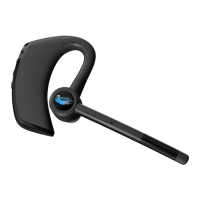
Wearing and Adjusting the Point
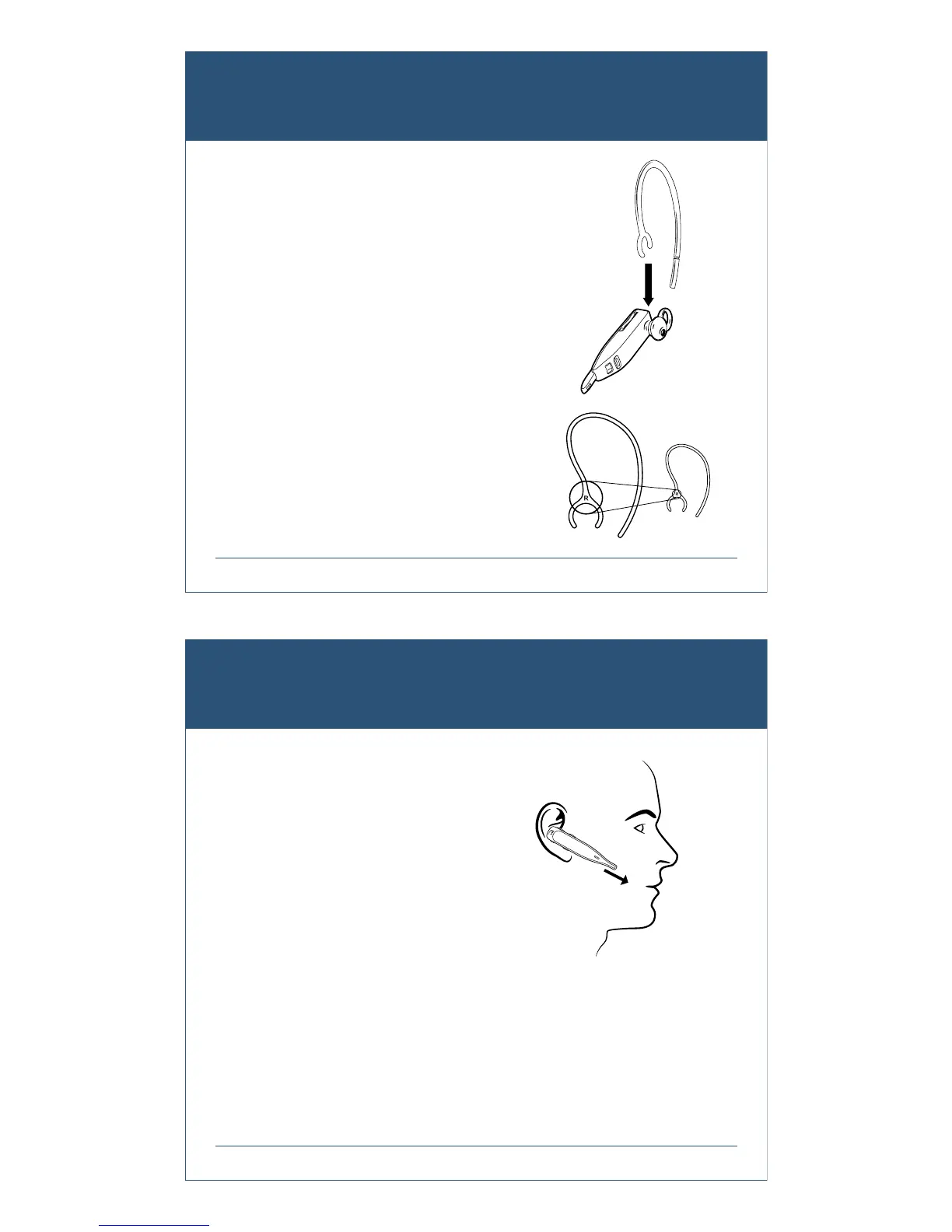
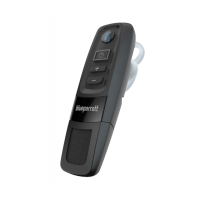
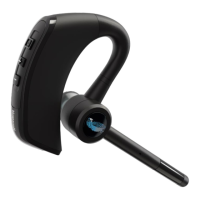
The headset is provided with the medium-loop ear bud
already attached. If you need to change it, peel it off
and replace with the ear bud of your choice.
Choose the ear bud and ear hook (if desired) that best
fits your ear.
The headset can be worn on either ear, with or without
the ear hook. The ear hooks are left and right specific
and are marked with an “L” for left or “R” for right to
show which side they are for.
To attach an ear hook, clip the “C” of the hook over the
neck of the receiver.
VXi BlueParrott
®
Point
TM
User Guide PAGE 12
GETTING STARTED (continued)
When wearing your Point, adjust the fit by rotating the
ear bud so that the stabilizer loop (if applicable) presses
against the back curve of your ear. Make sure that the
boom is pointing towards the corner of your mouth.
To get the best performance from our noise-canceling
technology, angle the microphone boom towards the
corner of your mouth. Positioning is important; small
adjustments in microphone placement can improve
performance.



 To Next Page