44
Just Power On
● Tap the 'Fault History' to view all fault messages.
(Figure 3)
(4) Tap the 'Alarm' on the Homepage to view the current error message:
the fault indicator will display orange if a fault occurs.
10. CHARGING
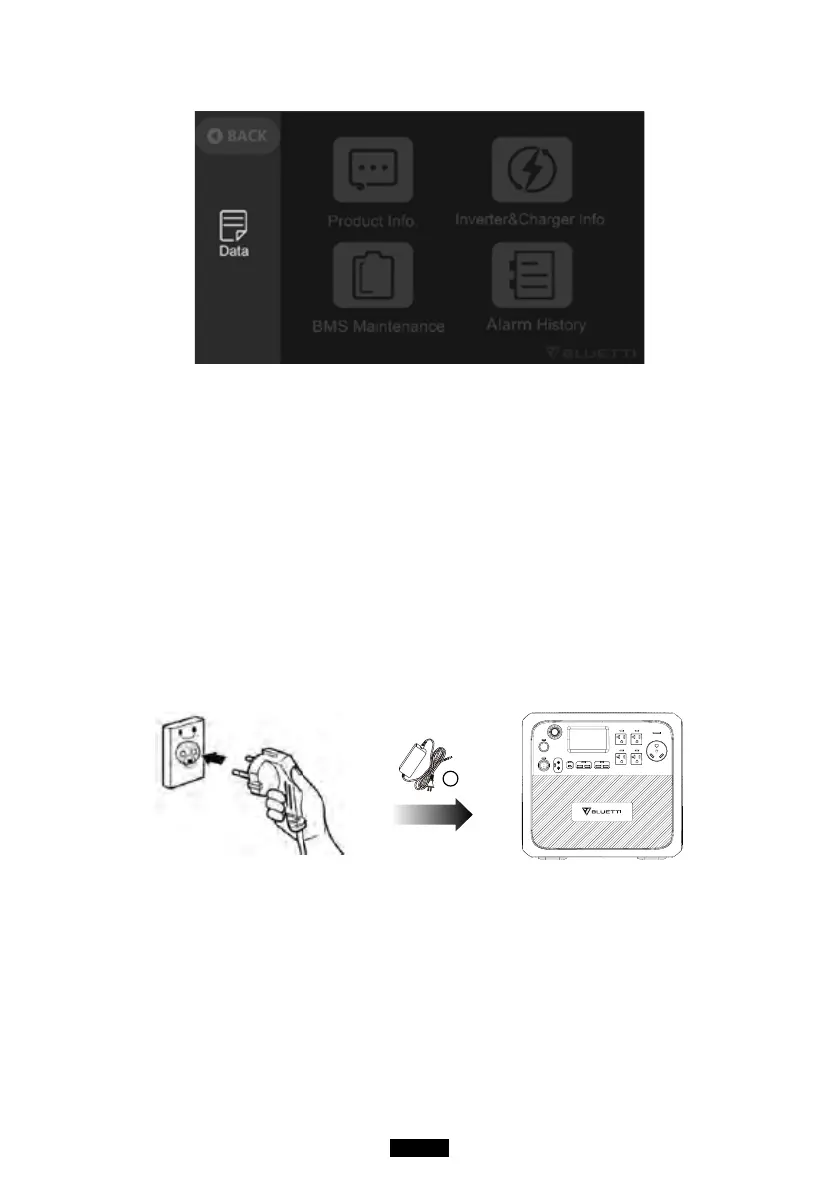
(1) From the AC wall outlet
● Turn the AC200MAX ON and connect the adapter plug to the wall outlet, the
other end to the AC input port. Charging will automatically stop when it gets
fully charged.
2
(2) From the solar panels
● Connect the solar panels (in series or parallel) with Open Circuit Voltage
range 10V-145V.
● Connect the solar panel to AC200MAX via the solar charging cable. (Standard
Accessory 3 to Accessory 5)
● Charging: AC200MAX will be activated when the solar charging system is set
up successfully.
● The max input current of solar charging: 15.2A ± 0.3A, the over-current of



 To Next Page