17
Just Power On
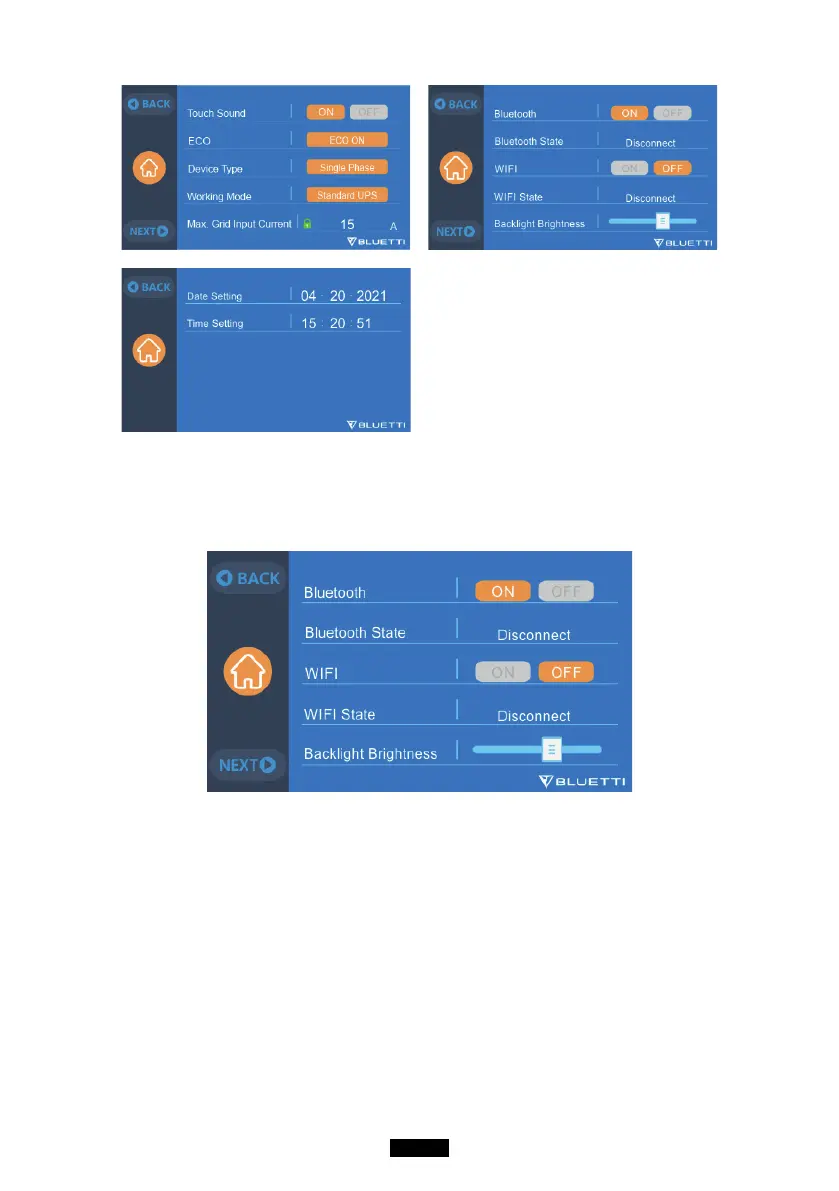
7.2.7. Bluetooth & Wi-Fi Connection
The Bluetooth and Wi-Fi connection can be turned ON or OFF by tapping the
ON and OFF icon for either function.
7.3. Data
In the Data section, you may view Product Info, Inverter & Charger Info, BMS
Maintenance, and Alarm/Fault History by selecting each respective button.



 To Next Page