18
BLUETTI
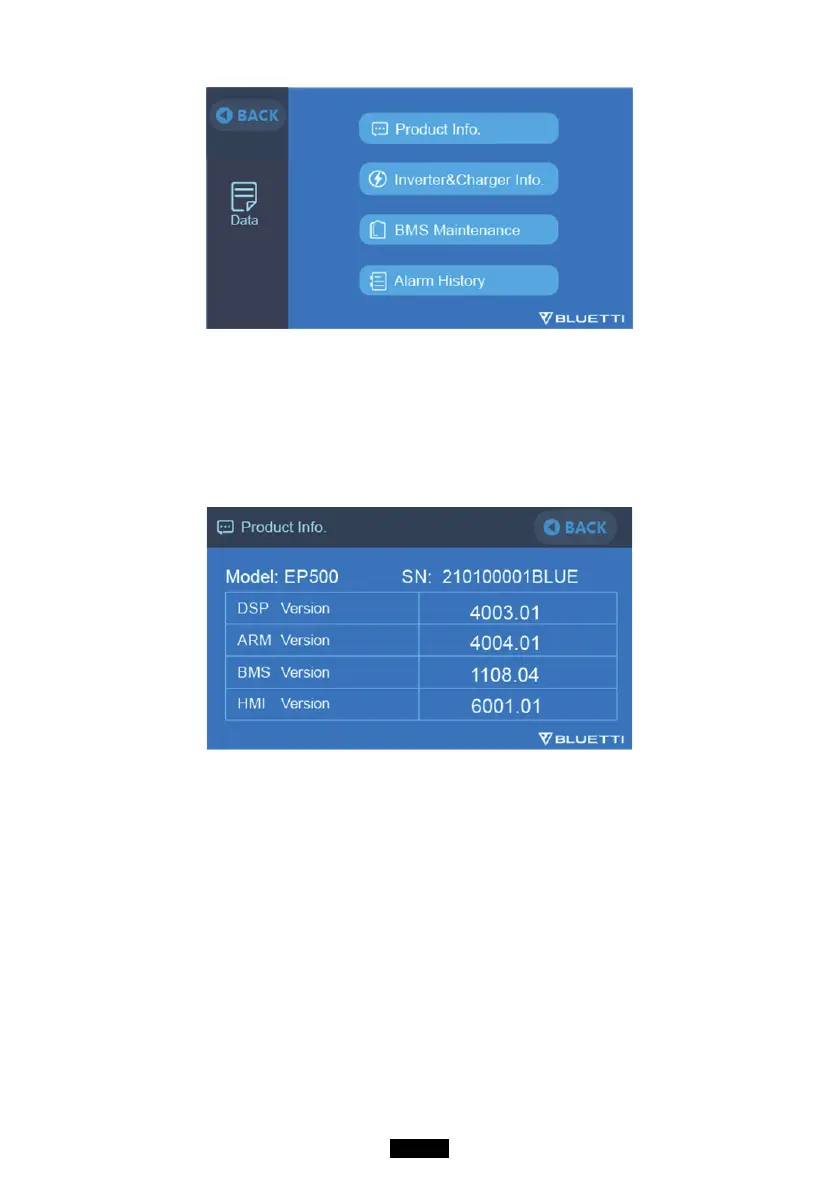
7.3.1. Product Info
● When you select the “Product Info” button, you can view the product model,
serial number (SN), control software version, monitoring software version,
BMS monitoring software version and display software version.
● The Serial Number (SN) can also be used to pair to BLUETTI APP manually.
7.3.2. Inverter & Charger Info
When you select the “Inverter & Charger Info” button, you can view the PV
charging and the adapter charging status, DC output and AC output
information as well. The section can also be accessed directly from the
shortcut icon on the main interface.



 To Next Page