19
Just Power On
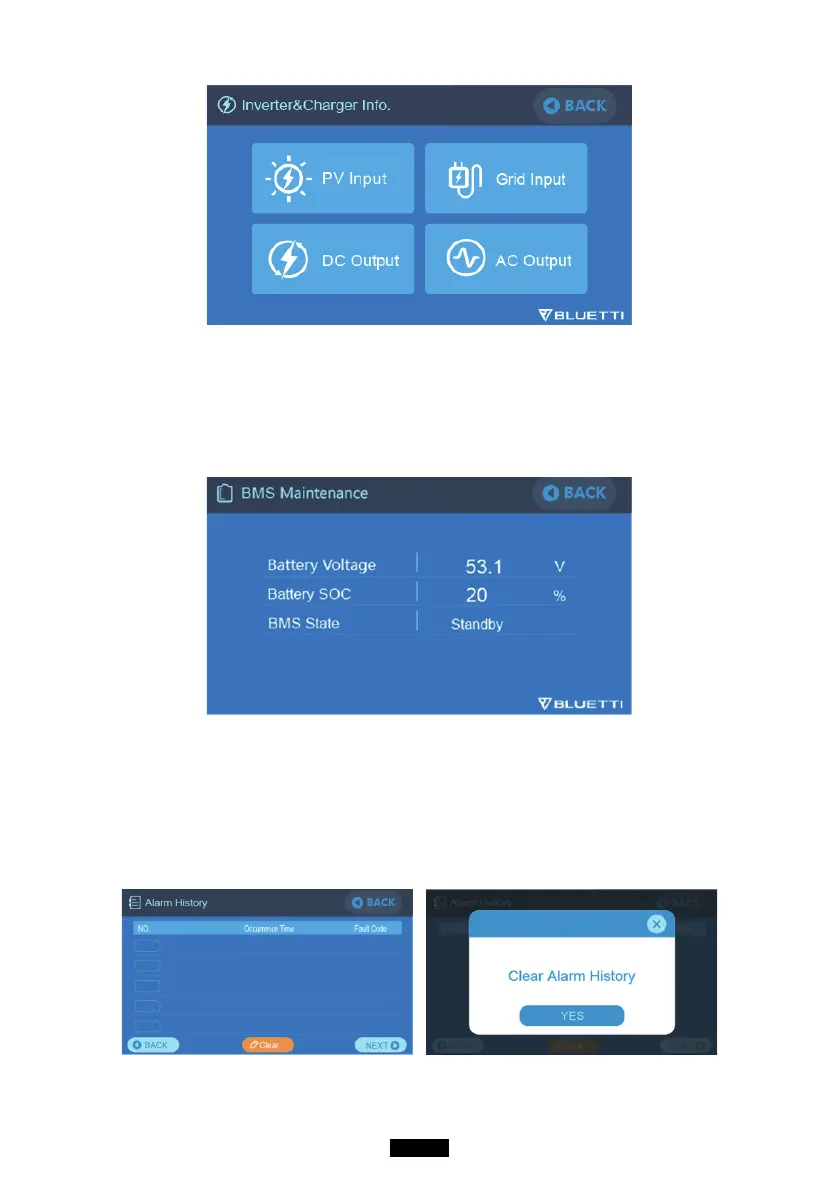
7.3.3. BMS Maintenance
When you select the “BMS Maintenance” button, you can view the information
of the BMS. This section can also be accessed directly from the shortcut icon
on the main interface.
7.3.4. Alarm History
Click the “Alarm History” button, you can view all the alarm information
generated by the machine. You can turn to the troubleshooting page to check
the corresponding solutions.



 To Next Page