06
PRODUCT OVERVIEW
Model Features
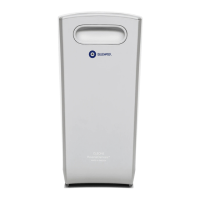
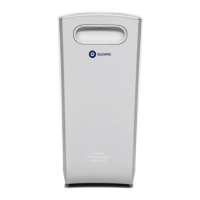
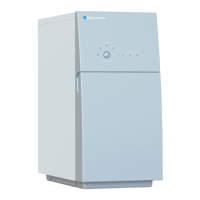
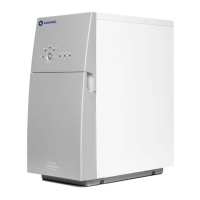
Cleone Classic Cleone Balance Cleone Ultra Cleone PurityPlus
UV lamp
Integrated mineral filter
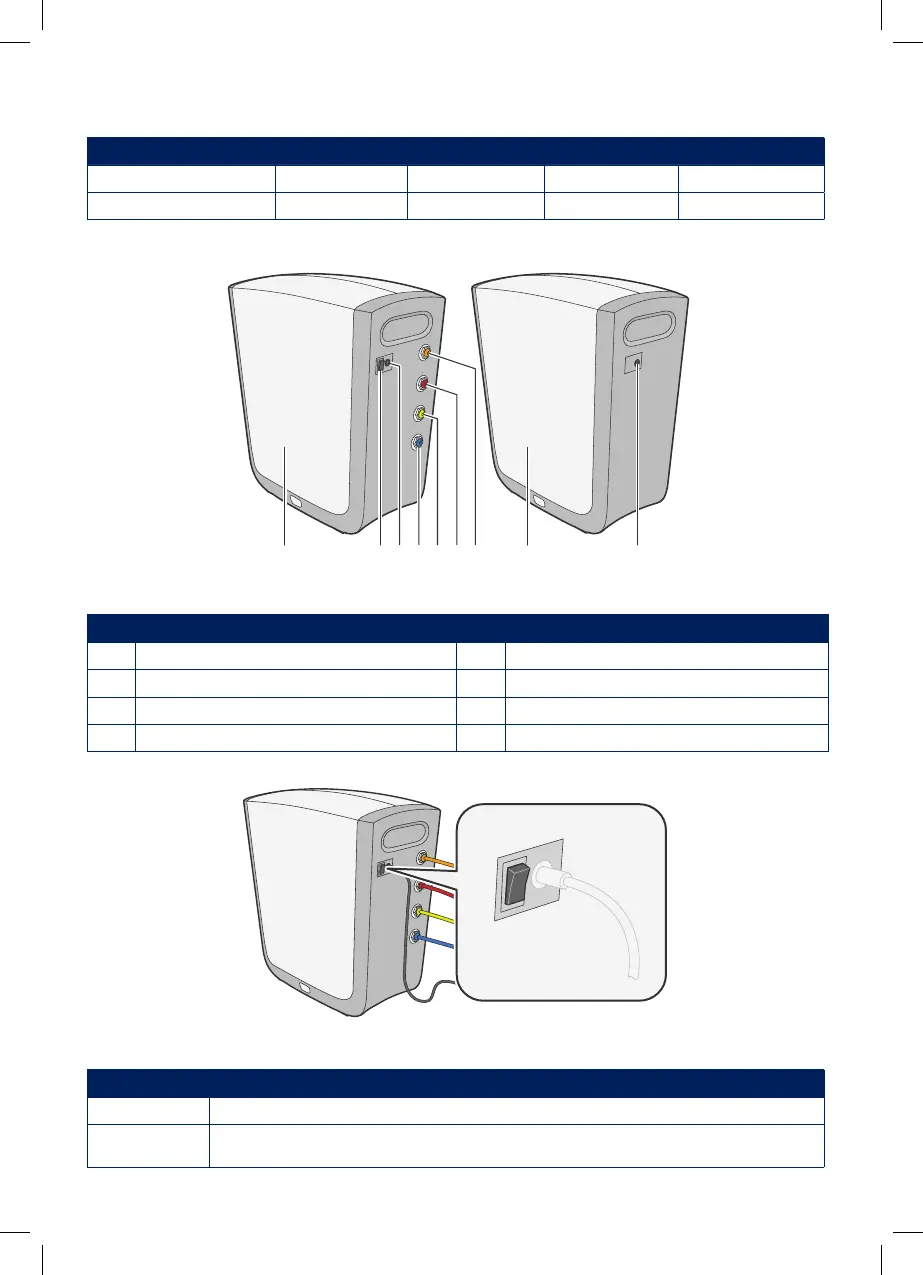
Cleone outside
Figure 1. Cleone outside
Pos Description Pos Description
1 Side cover 5 Purified water tank connector - YELLOW
2 Power switch 6 Drain water connector - RED
3 Electrical connection 7 Inlet water connector - ORANGE
4 Purified water faucet connector - BLUE 8 System operation indicator light
Power switch
Figure 2. Power switch
Position Description
1 Cleone is started. Water can be purified.
0 Cleone is stopped. No water is being purified. Purified water is still available until
the tank becomes empty.
811546723
1
0


 To Next Page
 Loading...