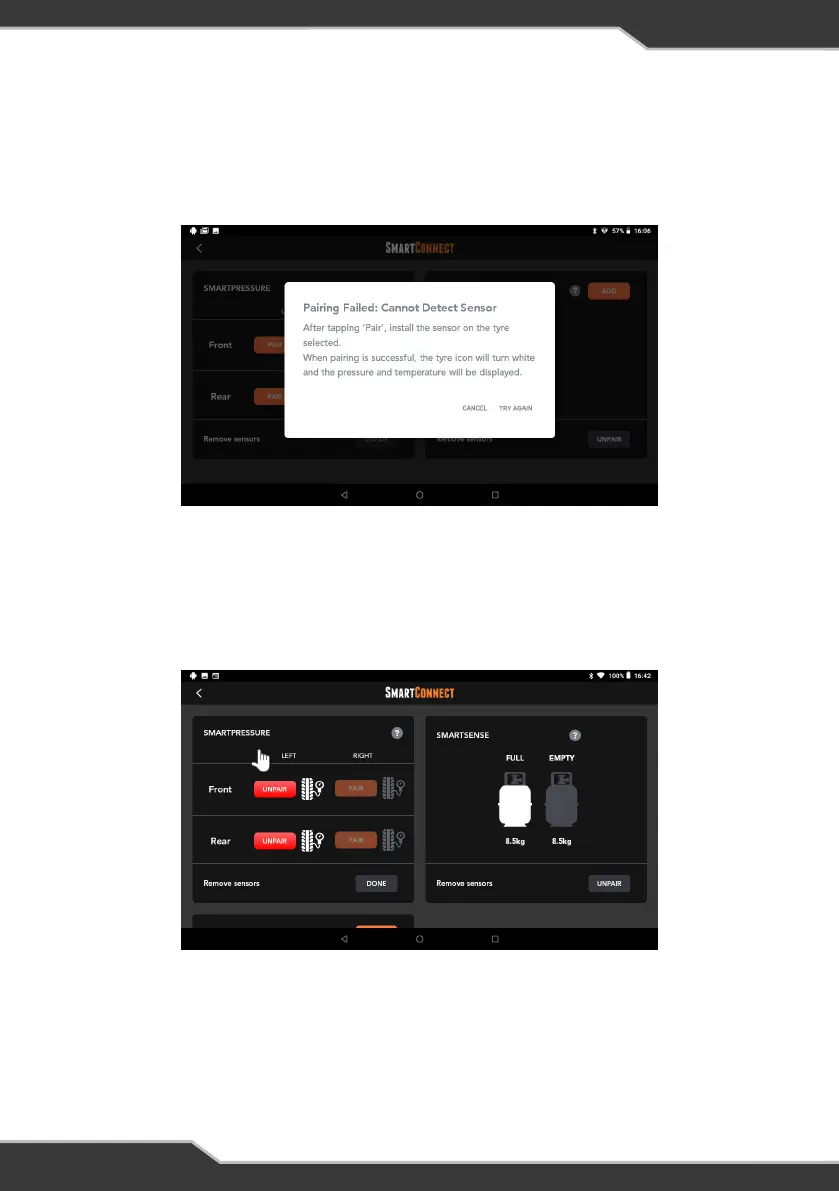
4. If pairing was unsuccessful, a notification message will appear “Pairing Failed:
Cannot Detect Sensor” along with “Try again” and “Cancel” buttons.
5. To unpair the SmartPressure sensor, press the “Unpair” button below the
SmartPressure tile, and then press the red “Unpair” button to complete the
process of unpairing the sensor.
Figure 18: SmartPressure tyre sensor pairing failure
Figure 19: Unpairing SmartPressure tyre sensor
18


 To Next Page