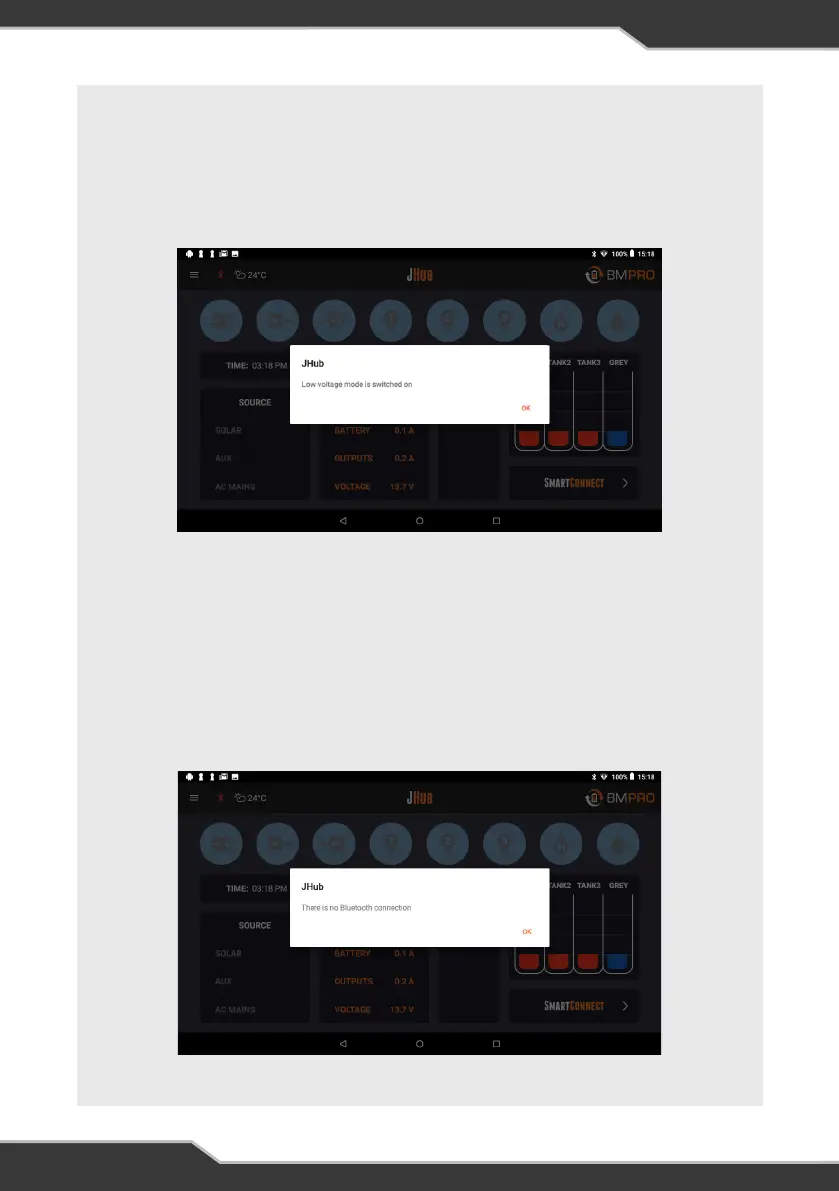
LOW VOLTAGE MODE IS SWITCHED ON
This pop-up message will occur if the J35 has entered the first stage of LVD, Sleep Mode.
All icons in the JHub App will be blue.
The Bluetooth Connectivity Icon will also still be blue.
Connect the J35 to a power source and begin battery charging.
Figure 9: Low voltage mode is switched on
THERE IS NO BLUETOOTH CONNECTION
All icons in the JHub App will be blue. The Bluetooth Connectivity Icon will be red.
This message will appear if:
1. The switch connected to the J35 Load Isolation input is activated
– deactivate the switch.
2. The J35 has entered the second stage of LVD, Storage Mode
– connect the J35 to a power source and begin battery charging.
Figure 10: There is no Bluetooth connection.
26


 To Next Page