OZONE ANALYZER BMT 964 Manual, Rev. 04/2021
11
5 Switching On the Instrument
After application of the mains voltage the instrument will display the following:
BMT964 VX.XX
VX.XX denotes the software version. Then concentration and pressure range will be shown, e.g.:
R:200 g/Nm
3
PR: 2.5 bar
This display is followed by a warmup period, the length of which is being determined by the state
of the lamp. During warmup the Error Relay is switched to error. All other relay contacts are
open. The analog outputs put out 10 V and 20 mA respectively. The serial interface (see page 19)
puts out max. concentration, actual pressure and the code for the warmup-state. The time left
for change into normal operating mode is displayed and counted down in second intervals. The
time period between switching on and normal operating mode can last between 40 s and 120 s.
During this time the front panel keys and the zero-input are deactivated.
6 Front Panel Operation
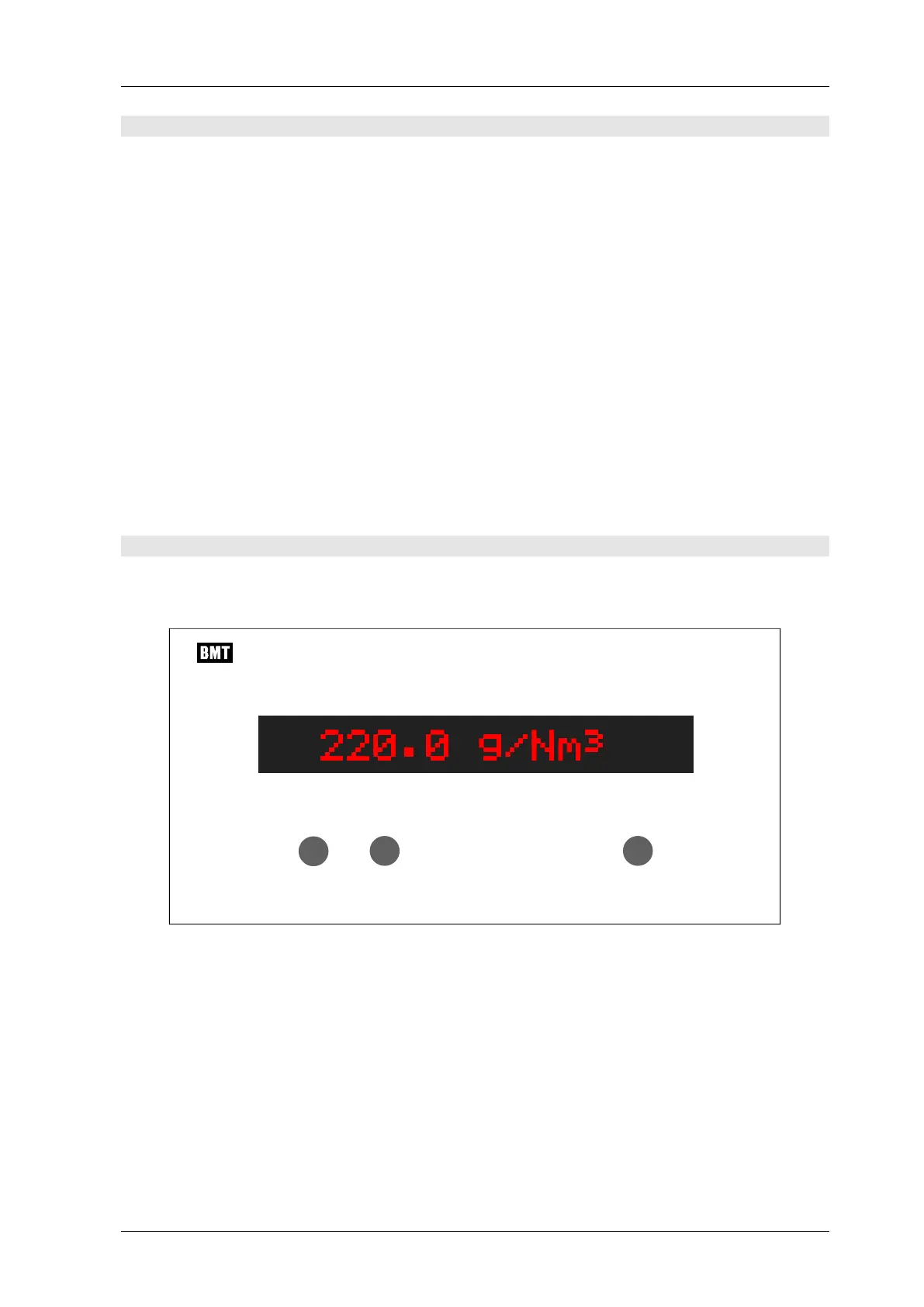
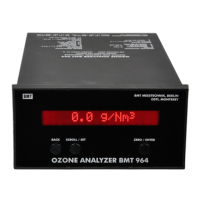
The front panel consists of a 16-character alphanumeric display (LCD with red backlight illumi-
nation) and three pushbuttons. The display will be updated every 0.3 s.
ZERO / ENTER
OZON E ANAL Y ZER BMT 964
BMT MESSTECHN IK, BERLIN
OSTI, MO N TEREY
SCROLL / SETBACK
The pushbuttons can be used to perform the following operations:
Switch to pressure display
Zero the BMT 964
View parameters
Change the parameters
The following diagram shows the functions of the main menu:


 To Next Page