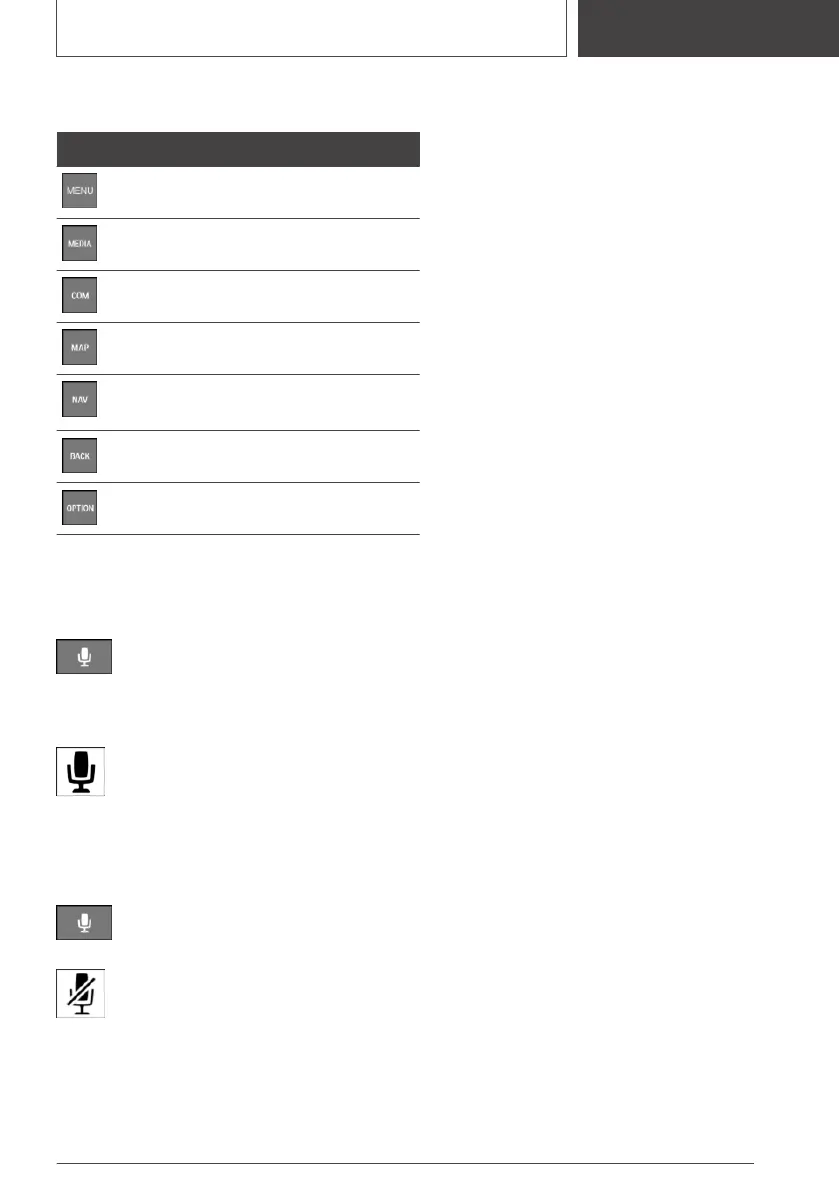
Buttons on the Controller
Button Function
Goes to the main menu.
Goes to the Media/Radio menu.
Goes to the Communication menu.
Goes to navigation map.
Goes to destination input menu for
navigation.
Goes to the previous display.
Goes to the Options menu.
Voice control
Activating the voice control system
Press the button on the steering wheel.
Wait for the signal.
Say the command.
This icon indicates that the voice control
system is active.
No other commands may be available. In
this case, operate the function via iDrive.
Deactivating the voice control system
Press the button on the steering wheel
or ›Cancel‹.
This icon indicates that the voice control
system is deactivated.
Seite 19
Entering
QUICK REFERENCE
19
Online Edition for Part no. 01405A2C7F8 - II/21







 To Next Page