1. Turn the Controller to the left or right quickly.
2. Select the first letter of the desired entry.
The first entry of the selected letter is dis‐
played in the list.
Operation via touchpad
General information
Some iDrive functions can be operated using the
touchpad on the Controller.
Selecting functions
1.
"CAR"
2. "Settings"
3. "General settings"
4. "Touchpad"
5. Select the desired setting.
Entering letters and numbers
▷ Enter characters as they are displayed on the
Control Display.
▷ Always enter associated characters, such as
accents or periods so that the letter can be
clearly recognized.
▷ The set language determines what input is
possible. Where necessary, enter special
characters via the Controller.
Entering special characters
Input Operation
Delete a charac‐
ter.
Swipe to the left on the
touchpad.
Enter a blank
space.
Swipe to the right in the
center of the touchpad.
Enter a hyphen. Swipe to the right in the up‐
per area of the touchpad.
Enter an under‐
score.
Swipe to the right in the
lower area of the touchpad.
Using the map
The map in the navigation system can be moved
via the touchpad.
Function Operation
Move map. Swipe in the appropriate di‐
rection.
Enlarge/shrink
map.
Drag in or out on the touch‐
pad with fingers.
Display menu. Tap once.
Operation via touchscreen
General information
The Control Display is equipped with a touch‐
screen.
You can tap on menu items and widgets. Touch
the screen with your fingers. Do not use any ob‐
jects.
Opening the main menu
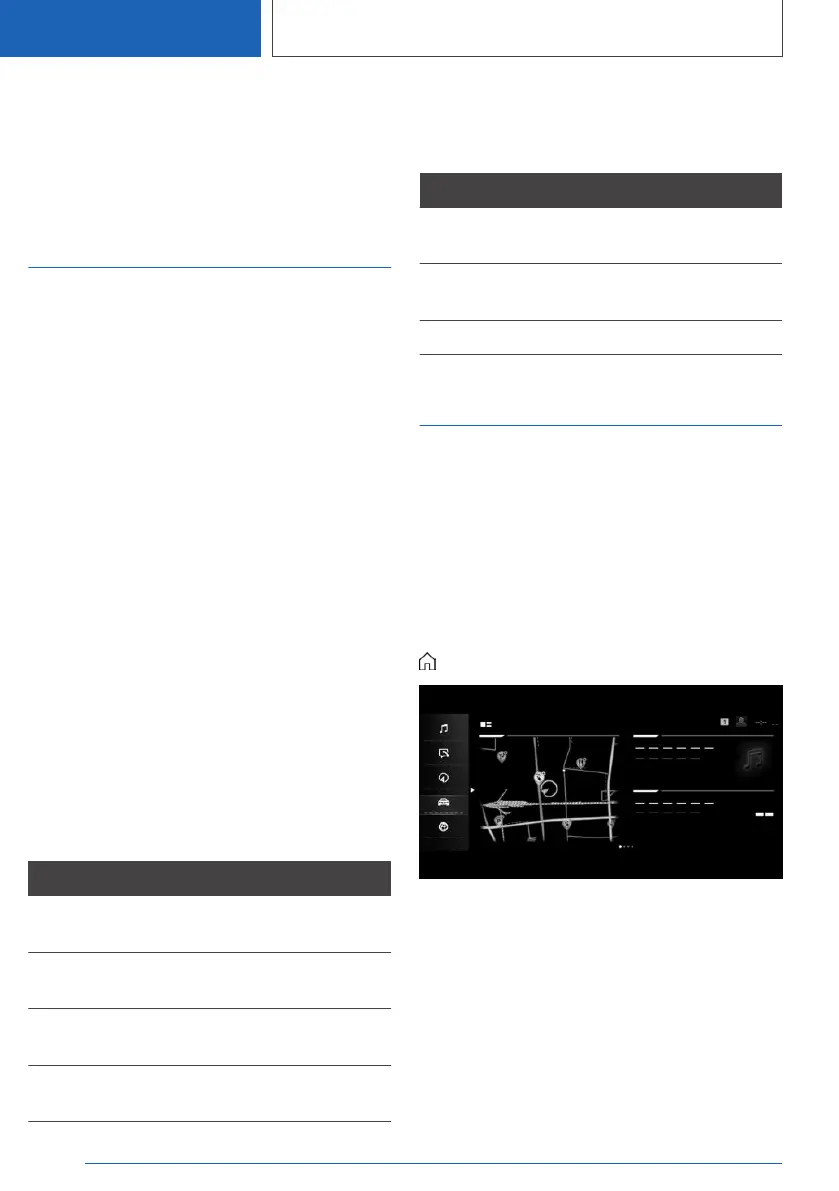
Tap on the icon.
The main menu is displayed.
Adjusting widgets
The widgets can be adjusted in the main menu.
It is possible to create multiple pages with widg‐
ets and switch between pages. The adjustments
can only be performed when the vehicle is sta‐
tionary.
Seite 48
CONTROLS
iDrive
48
Online Edition for Part no. 01405A2C7F8 - II/21







 To Next Page