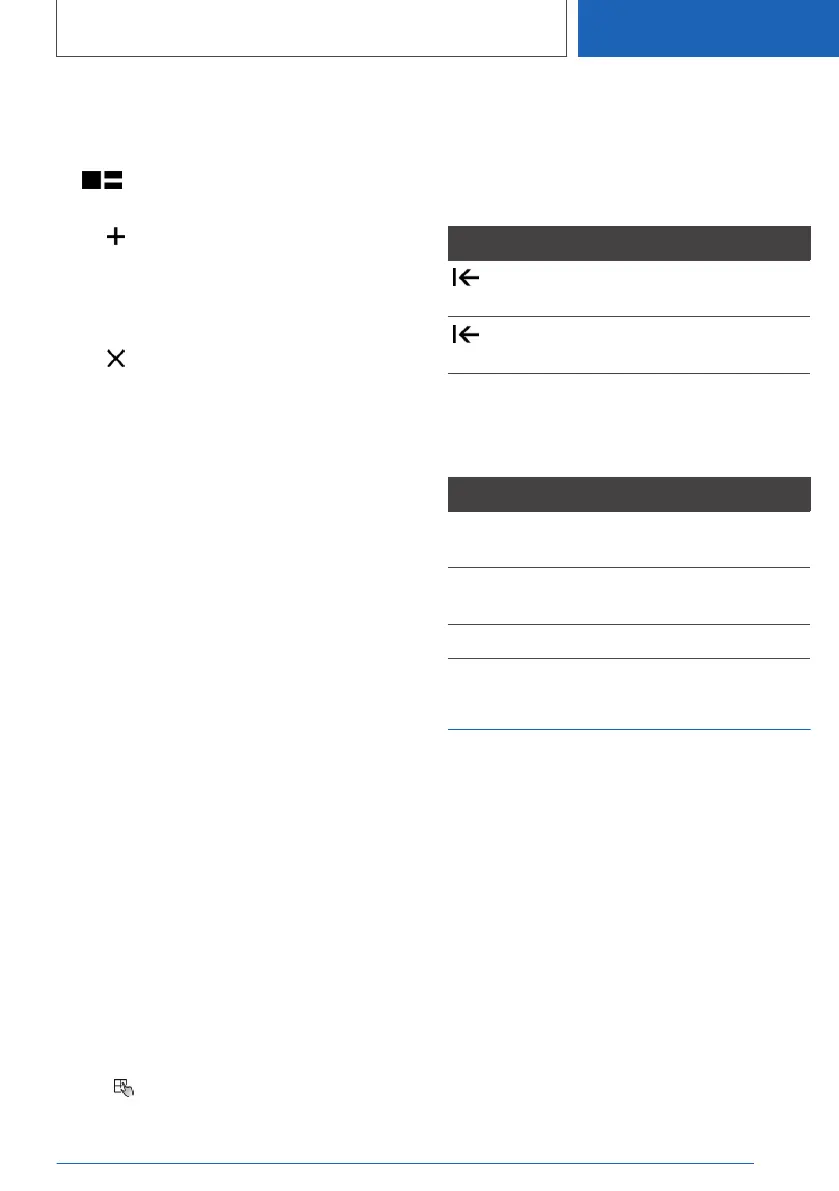
1. Select the desired page in the main menu.
Only the currently selected page can be ad‐
justed.
2. Tap the icon in the main menu.
3. Select the desired adjustment:
▷ Tap icon and select desired widget:
add new widget.
The requested widget will be inserted in
the relevant position. A maximum of four
widgets can be displayed per page.
▷ Tap icon: delete selected widget.
▷ Add new page: tap "Add page".
▷ Delete selected page: tap "Delete page".
▷ Adjust content of the widget: tap center of
widget.
4. Tap "Done".
Showing/hiding the display bar
In the upper area of the Control Display, it is pos‐
sible to show or hide a display bar with additional
functions.
▷ To show the display bar, pull down the dis‐
play bar at the top edge of the screen.
▷ To hide the display bar, pull up the display bar
at the top edge of the screen.
Changing between displays
After a menu item is selected, a new display
opens.
An arrow indicates that additional displays can be
opened.
▷ Swipe to the left.
▷ Tap arrow.
The new display opens.
Entering letters and numbers
Input
1.
Depending on the equipment version, tap
the icon on the touchscreen or a key‐
board is displayed on the Control Display
when the touchscreen is approached.
2. Enter desired letters and numbers.
Deleting
Icon Function
Tapping the icon: deletes the letter or
number.
Tapping and holding the icon all letters:
deletes all letters or numbers.
Using the map
The navigation map can be moved using the
touchscreen.
Function Operation
Move map. Swipe in the appropriate di‐
rection.
Enlarge/shrink
map.
Drag in or out with the fin‐
gers.
Display menu. Tap once.
Operation via voice
Concept
The voice activation system can be used to op‐
erate functions with spoken commands. The
system supports you with announcements dur‐
ing input.
The voice control system and the feedback it
provides are not a substitute for the printed or
Integrated Owner's Manual.
General information
▷ Functions that can only be used when the ve‐
hicle is stationary can only be operated via
the voice activation system to a limited ex‐
tent.
Seite 49
iDrive
CONTROLS
49
Online Edition for Part no. 01405A2C7F8 - II/21







 To Next Page