Overview
Buttons on the steering wheel
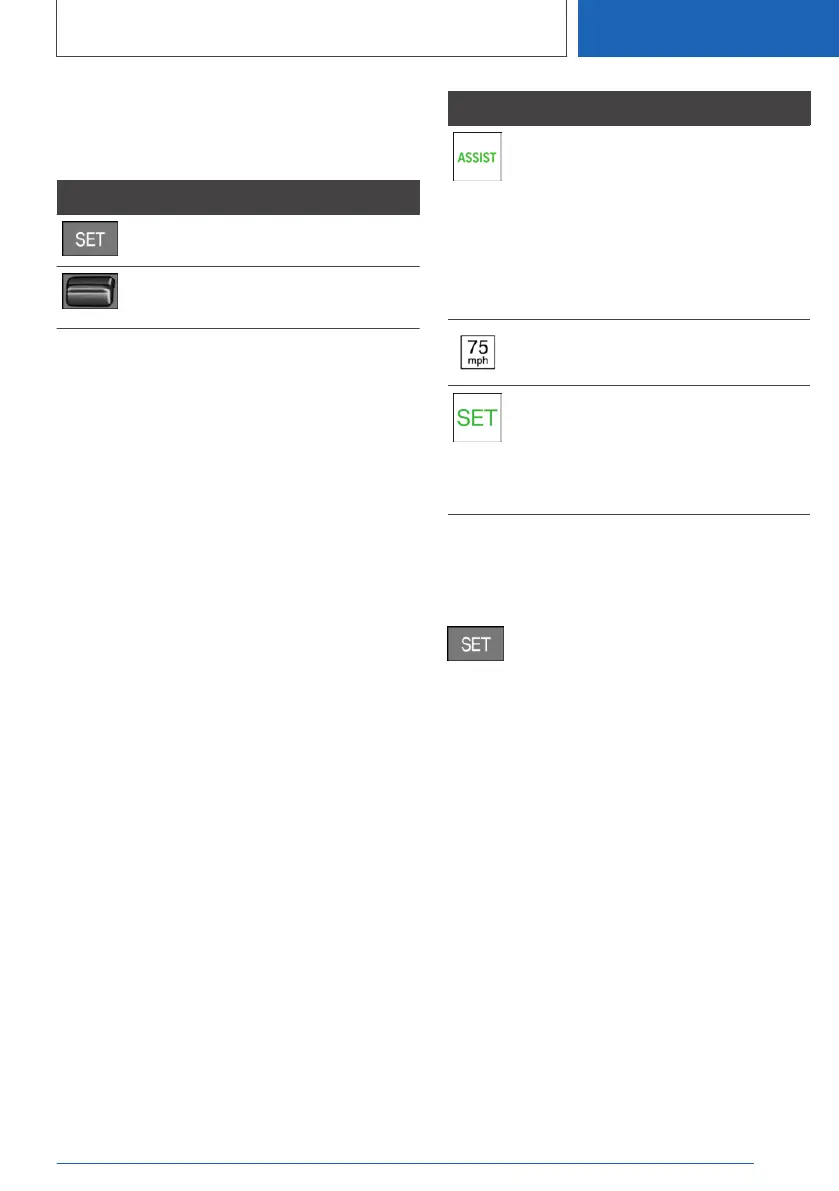
Button Function
Apply suggested speed manually.
Rocker switch:
Set speed, refer to Cruise Control.
Switching on/off
1.
"CAR"
2. "Settings"
3. "Driver Assistance"
4. If necessary, "Driving"
5. "Speed Limit Assistance"
6. "Speed limits"
7. Select the desired setting:
▷ "Adjust manually": detected speed limit
can be applied manually.
▷ "Show anticipation": detected speed lim‐
its are displayed in the instrument cluster
without being applied.
▷ "Off": Speed Limit Assist will be switched
off.
Displays in the instrument
cluster
A message is indicated in the instrument cluster
when the system and cruise control are acti‐
vated.
Icon Function
Depending on the equipment ver‐
sion, the indicator light illuminates
green, together with the icon for a
cruise control system:
Speed Limit Assist is active and
detected speed limits can be ap‐
plied manually for the displayed
system.
Detected change of a speed limit
with immediate effect.
Indicator light illuminates green:
the detected speed limit can be
applied with the SET button.
After it has been applied, a green
checkmark is displayed.
Manual adoption
A detected speed limit can be applied to cruise
control manually.
When the SET icon lights up, press the
button.
Adapt to route
Concept
The system can be configured so that the vehi‐
cle adapts the speed automatically to the route.
For instance, the speed will be reduced in the
following situations, if necessary:
▷ Before making turns.
▷ Before a roundabout.
▷ Before a curve.
Adjustment
1.
"CAR"
2. "Settings"
3. "Driver Assistance"
4. If necessary, "Driving"
Seite 229
Driver assistance systems
CONTROLS
229
Online Edition for Part no. 01405A2C7F8 - II/21







 To Next Page