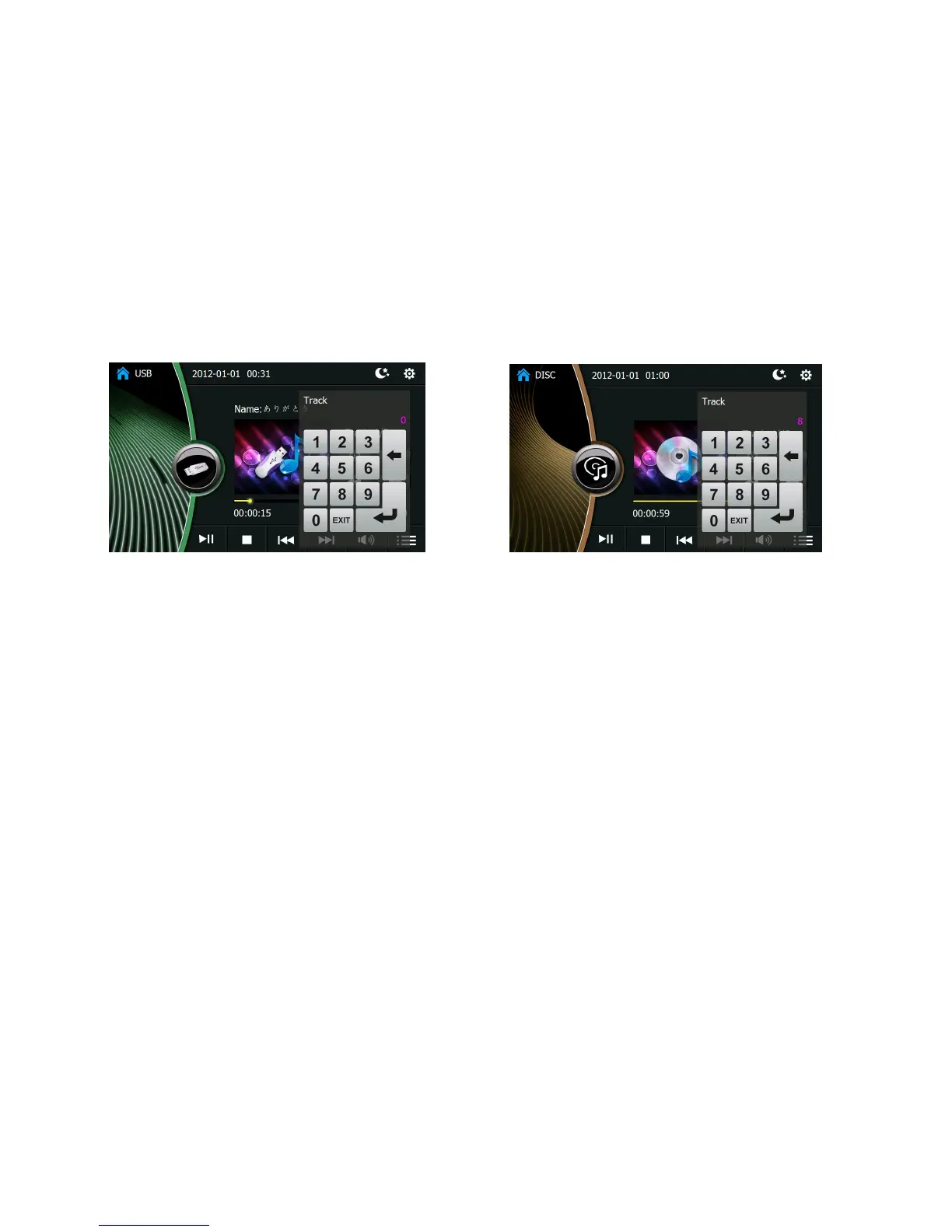
Number keyboard in USB player interface CD player interface
Picture 5 Picture 6
1. Mode switching key: Click to return to main interface.
2. Bluetooth icon
3. Time
4. Setup
5. Display the current play mode
6. Song selection list
7. Cycle play: Click to select On/Off of the repeat play
8. The number of current program and the total programs:Click here and a number keyboard as picture 10 appears.You can input the
number to select the program to play.
9. Play time of current program
10. Volume bar
11. Volume indicator: It is mute when the volume is 0.
12. Play






 To Next Page