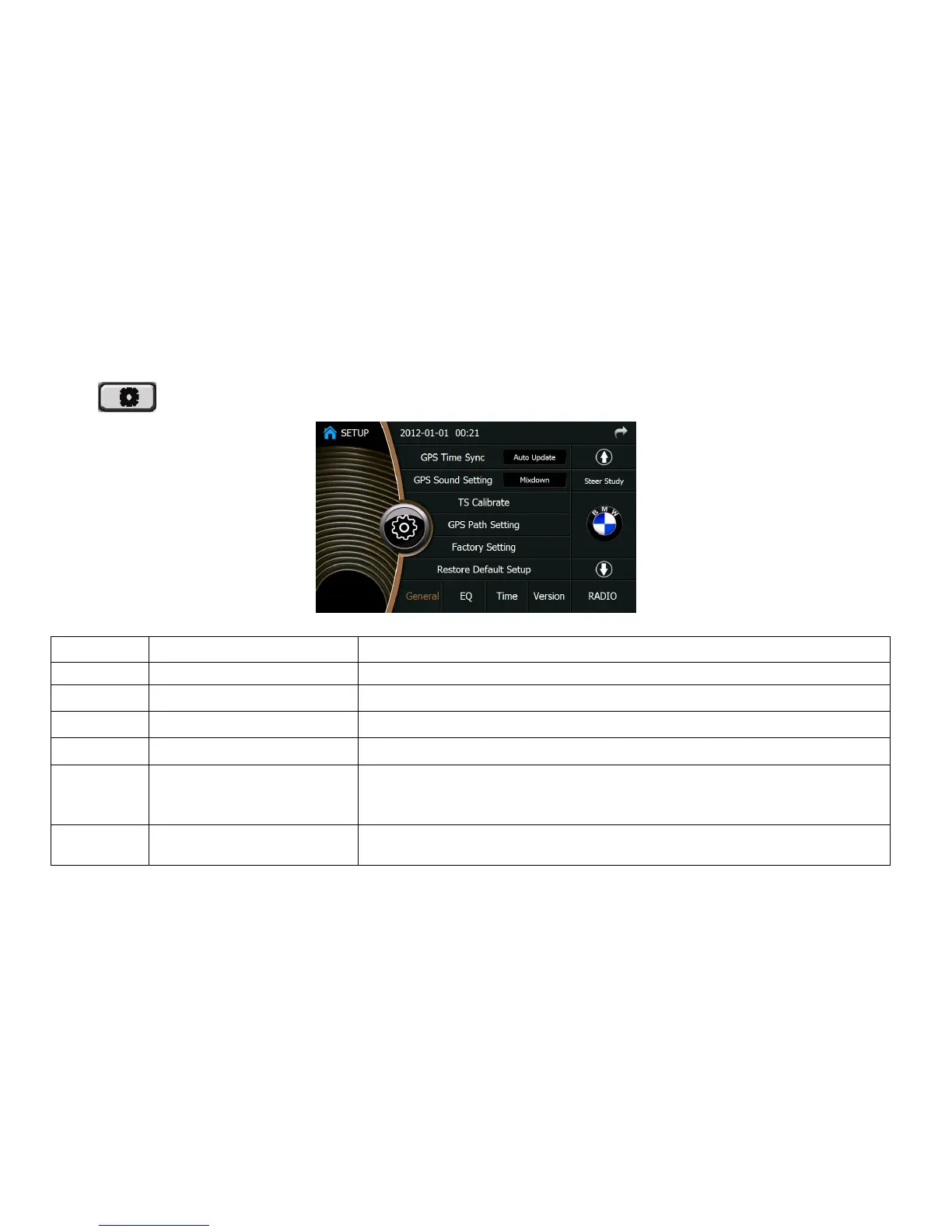
Select the radio system of your country
RDS On/Off
Choose “On” to enable the RDS function of FM Radio.
TA Volume 1—40
Adjust the TA volume
Clock Tune On/Off
The display time of device is synchronous with that of RDS radio channel if “On” is selected.
TA Option Seek/Alarm
The device searches the radio channel automatically when TP information is lost if “Seek”
is selected. If “Alarm” is selected, the device does not search the channel but giving out a sound
of “ BEEP, BEEP”
TA Retune Long/Short
When “Long” is selected, the device will search the channel 3 minutes after TP information is
lost; while “Short” is selected, the time will be 45 seconds.







 To Next Page