13. Pause/ Stop (Click to stop in the state of Breakpoint Memory; double click to stop completely); long press for above 2 seconds to
switch to OPEN mode, then, the disc is ejected automatically.
14. Fast Backward (Click to switch among the speed of x2, x4, x8, and x16)
15. Fast Forward (Click to switch among the speed of x2, x4, x8, and x16)
16. Repeat (Click to switch among Single, ALL, and Off)
17. Random paly: Click to enable/disable the random play.
18. SCAN: Click to scan automatically the first 10 seconds of each program to play
19. Enter key
(5). IPOD access
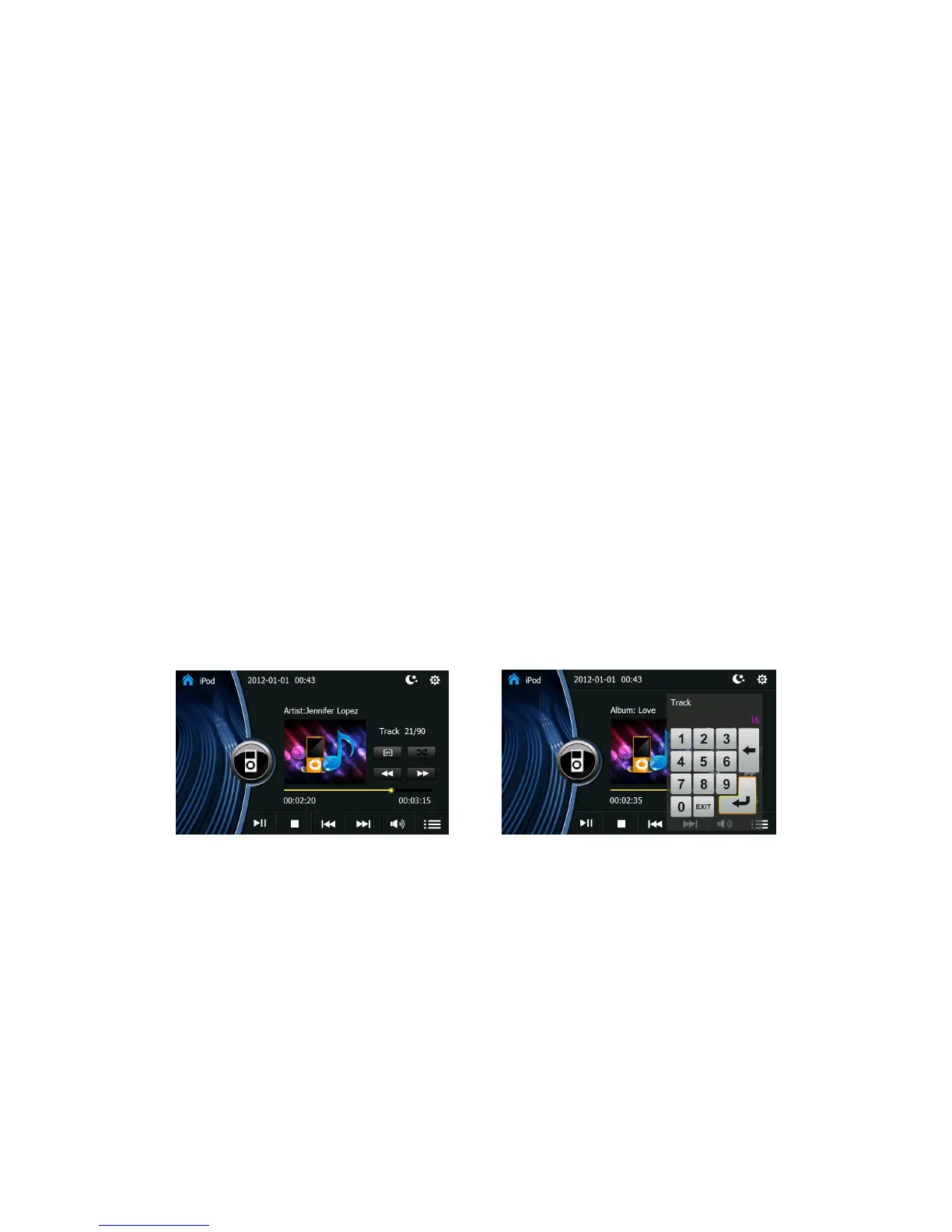
This system supports ipod access, and can play all kinds of files.
*IPOD is a mobile media player of APPLE company, which can save/paly all kinds of popular audio or video, and has perfect
management program.
Make sure ipod is properly connected. Enter the system main interface and click ipod to enter the ipod interface. The detailed operations
are similar with those of USB or CD player.
Picture 7 Picture 8







 To Next Page