136
Entertainment Professional radio
Displaying additional information
For digital stations, additional information about
the current track is displayed, e.g., the name of
the artist.
Press the button.
The information is displayed.
Operation indicators
> "Acquiring": a search for digital stations is
being conducted.
> "No signal": there are no digital stations
within range.
Satellite radio
You can receive more than 100 different chan-
nels of high audio quality. The channels are
offered in fixed packages and have to be acti-
vated.
You may experience signal drops and
muting events related to this new tech-
nology.<
Activating or deactivating channels
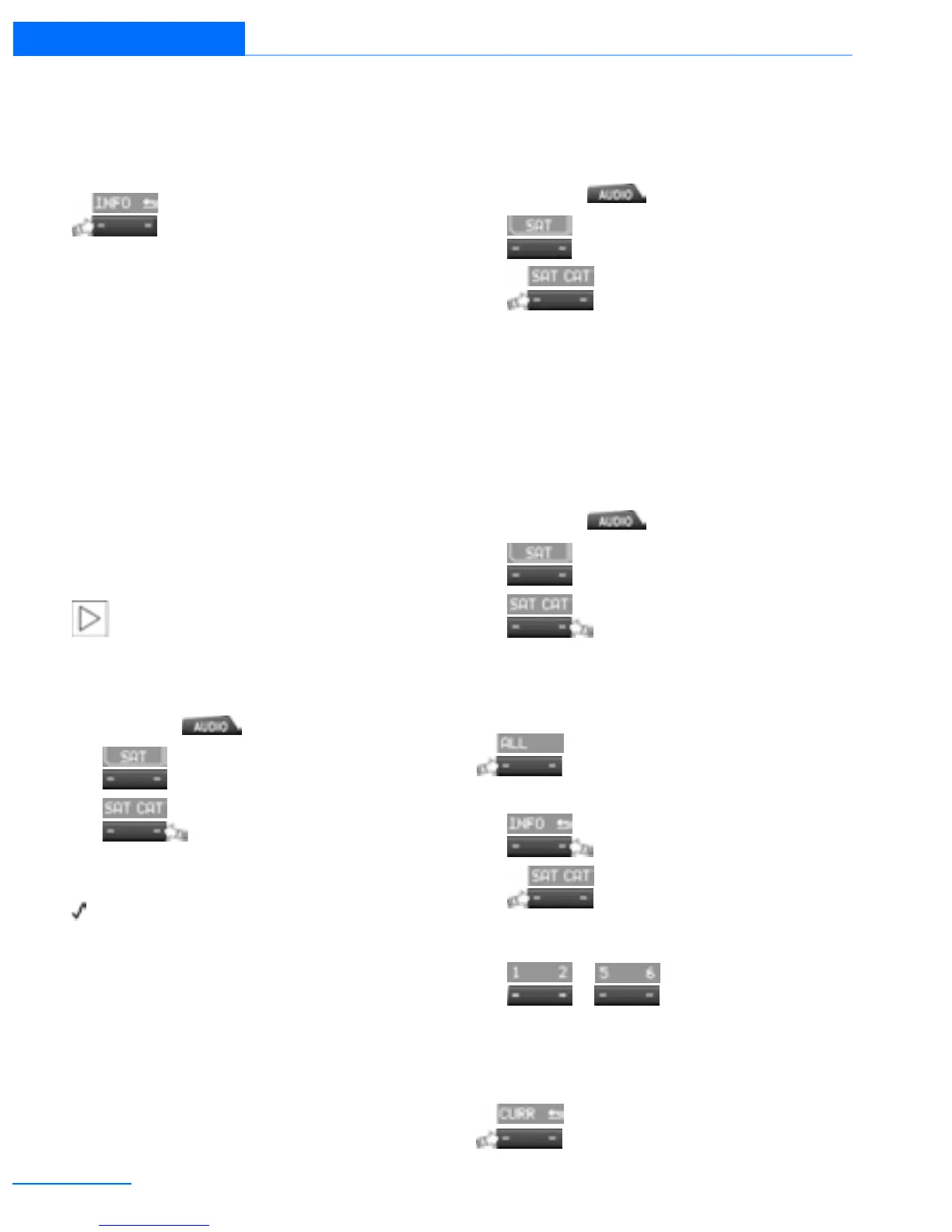
1. Press the button.
2.
Press the button.
3.
Press the button.
4. Select the desired category.
The channels are displayed.
This symbol indicates the current channel.
Activating
1. Turn the knob on the right to select a chan-
nel that is not yet activated.
2. Press the knob on the right to confirm a
channel.
A phone number and the electronic serial
number, ESN, are displayed. When activat-
ing, the electronic serial number is required.
3. To activate the channels:
Dial the phone number.
Deactivating
1. Press the button.
2.
Press the button.
3.
Press the button for a longer
period.
A phone number and the electronic serial
number, ESN, are displayed. For deactivat-
ing, the electronic serial number is required.
4. To deactivate channels:
Dial the phone number.
Selecting and storing a channel
1. Press the button.
2.
Press the button.
3.
Press the button.
4. Select the desired category.
5. Select desired channel.
To display all the channels:
Press the button.
To store a channel:
1.
Press the button.
2.
Press the button as often as
necessary until the desired memory level,
SAT 1 or SAT 2, is reached.
3.
... Press and hold the
desired button until the channel starts to
play again after a brief interruption.
Changing to the current channel
Press the button.
Online Edition for Part no. 01402918638 - © 02/13 BMW AG



 To Next Page