Copyright © by BOA Warenhandels-GmbH ● Germany
Rev 0, Stand: 01 / 2007
33
Stop playing, eject
Push [EJECT] to eject disc from DVD player.
Push [EJECT] again to reload disc into DVD player.
Press [POWER] button to turn off the DVD player.
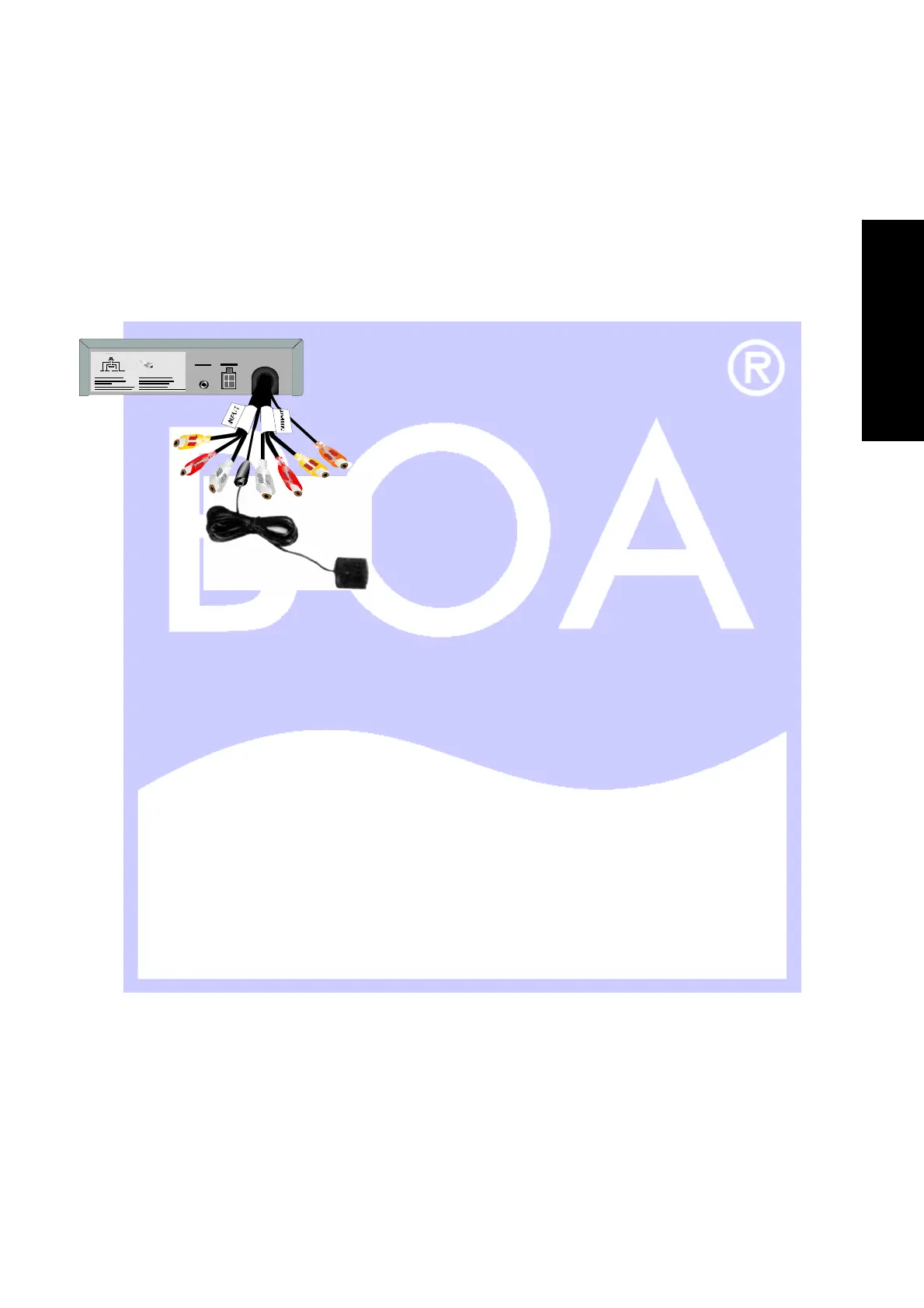
The use of remote sensor
Depending on the placement of your DVD player, you can control the DVD function either by pointing directly at
the DVD player, or using the external remote sensor, mounted on the dash of your vehicle or at the monitor.
“Last memory”-function
After the engine is turned off, or the power button is pressed, the unit is powered off.
When the Player is turned back on again, it will resume play from the moment play was interrupted.
Basic operation
While playing, if you find that the picture is not shown at full screen, partially hidden, or black and white images
occur, you will reed to restart the system. Please select the correct TV system (PAL or NTSC). Please refer to
examples on page 14 and the following.
When the “???” Symbol shows to the TV screen, it signified an invalid operation and is not accepted by the
player.
Scene selection
If there is a menu option in the DVD disk, when PBC state is on, you can display the menu by pushing [MENU
PBC] or [TITLE], than you can select the scene you would like to play by doing the following.
4. Push [MENU].
The screen will display the different scenes available.
Scenes vary with discs.
5. Push [▲]/[▼]/[◄]/[►] to select the desired scene.
6. Push [ENTER] to confirm selection.
The screen may display a submenu in which you can push [▲]/[▼]/[◄]/[►] to select and push [ENTER] to
confirm.
E
N
G
L
I
S
H


 To Next Page