Copyright © by BOA Warenhandels-GmbH ● Germany
Rev 0, Stand: 01 / 2007
38
USB Memory stick reader operation
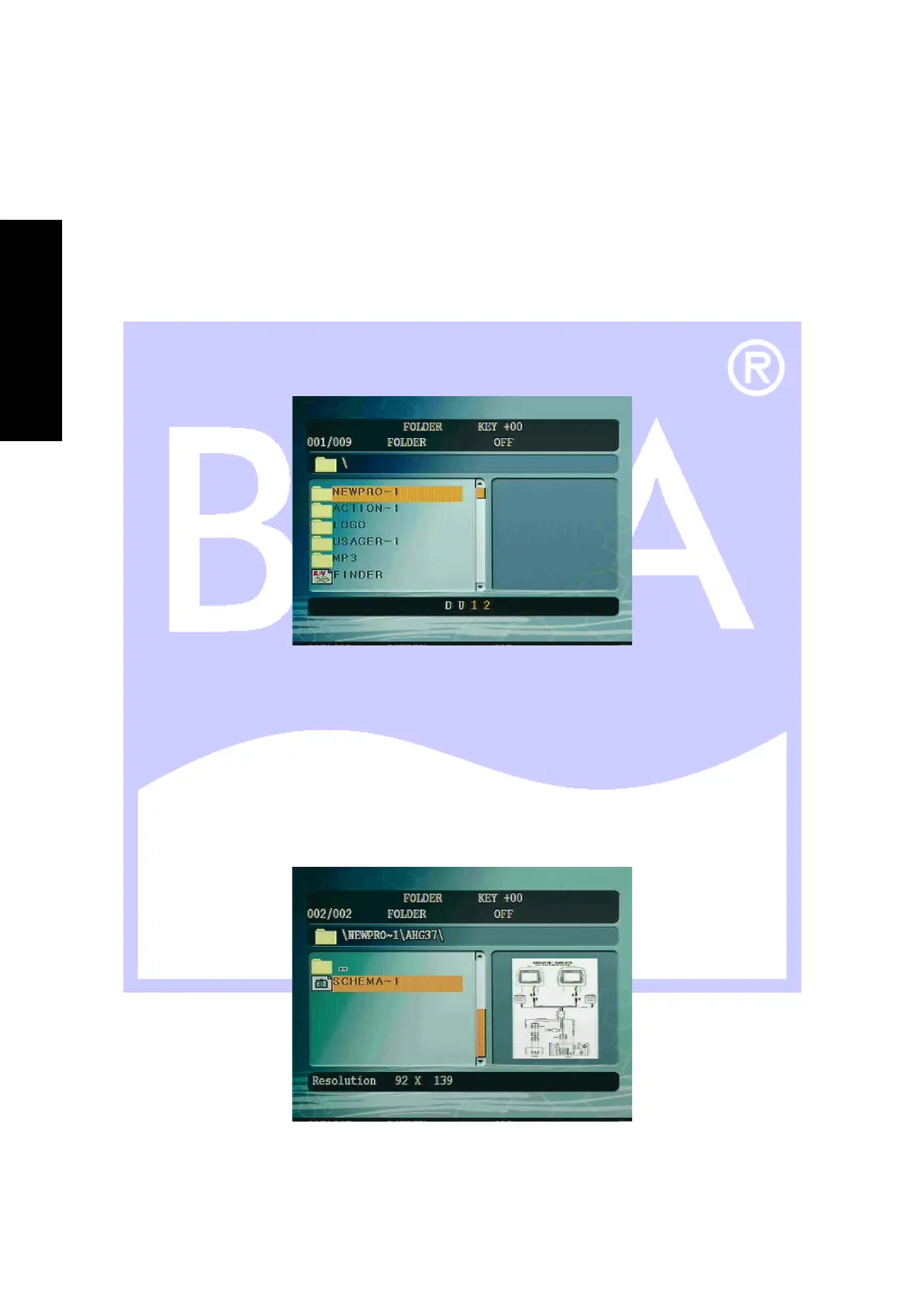
USB Memory stick
1. Press the [SRC] button on remote control or front panel if a USB memory stick is already inserted.
2. Insert a memory stick into the USB socket, the unit will automatically switch to USB mode (Only in the DVD
state). Use caution when insert the memory stick. Please ensure they are inserted in the correct orientation.
CAUTION: USB reader slot can be damaged if USB memory stick is inserted in the wrong direction or
forced in.
3. Three different types of media can be played: Photo, Music, and Video.
4. Press the [▲]/[▼] buttons to highlight the desired file, press the [PLAY] or [ENTER] buttons to start playing
your selection.
Photos
After highlighting the desired picture, a preview image will be displayed on the right hand side of the menu.
1. Press the [PLAY] button to start playing your photo image.
2. Press the [STOP] button to bring up the thumbnail screen.
3. To exit the Thumbnail select [SLIDE SHOW] on the screen and press [ENTER].
4. Press the [MENU / PBC] button return to main screen.
E
N
G
L
I
S
H


 To Next Page