Copyright © by BOA Warenhandels-GmbH ● Germany
Rev 0, Stand: 01 / 2007
39
Zoom function
Press the [ZOOM] button to zoom in or out the video.
Press the buttons to move direction to see the remaining portion on the screen.
Rotate function
When the picture is viewed in full screen mode, you can rotate the picture by pushing the [◄]/[►] buttons. The
[▲]/[▼] buttons will invert the picture.
Music
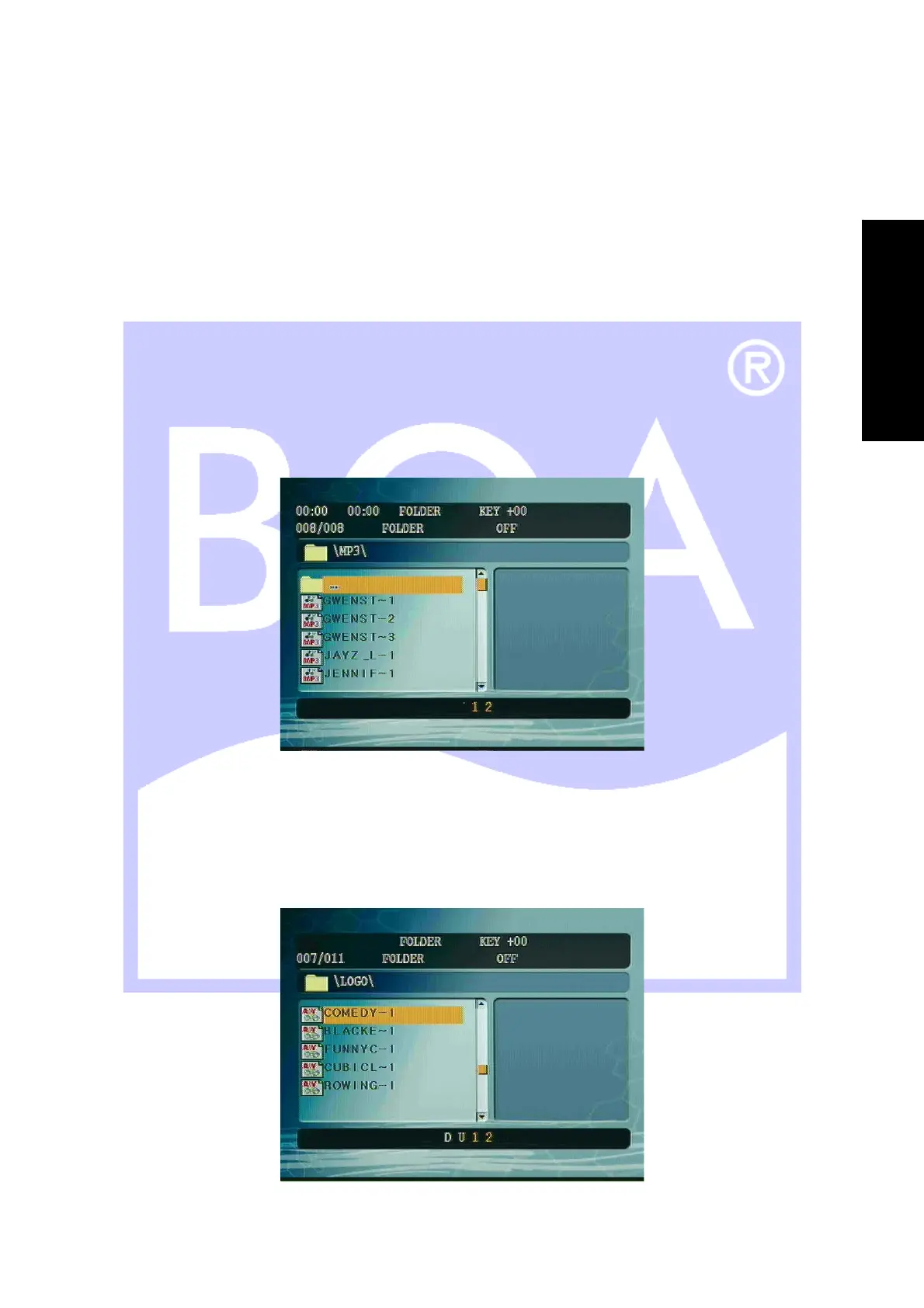
4. Highlight the Music file and press the [PLAY] button to start playing your music.
5. If there are more than 5 songs in a given folder, the bottom of the page will give a count of the total number
of pages that will be displayed.
6. Press the [Display] button, this will display the volume bar.
Press the [Display] again to go return the file information bar.
Video
5. Highlight the Video mode and press the [PLAY] button to start playing your video.
6. Press the [PAUSE] to pause the play.
7. Press the [◄◄] or [►►] buttons to reverse or advance to the next movie file in this folder.
8. Press the [MENU PBC] button to return to main screen.
E
N
G
L
I
S
H


 To Next Page