11
Installing Your New SE1440
Section Two: Installing Your New SE1440
This section explains how to install the SE1440 in your computer.
Remember to remove any existing sound or modem cards BEFORE
installing the SE1440.
2.1 Removing an Existing Sound Card or Modem
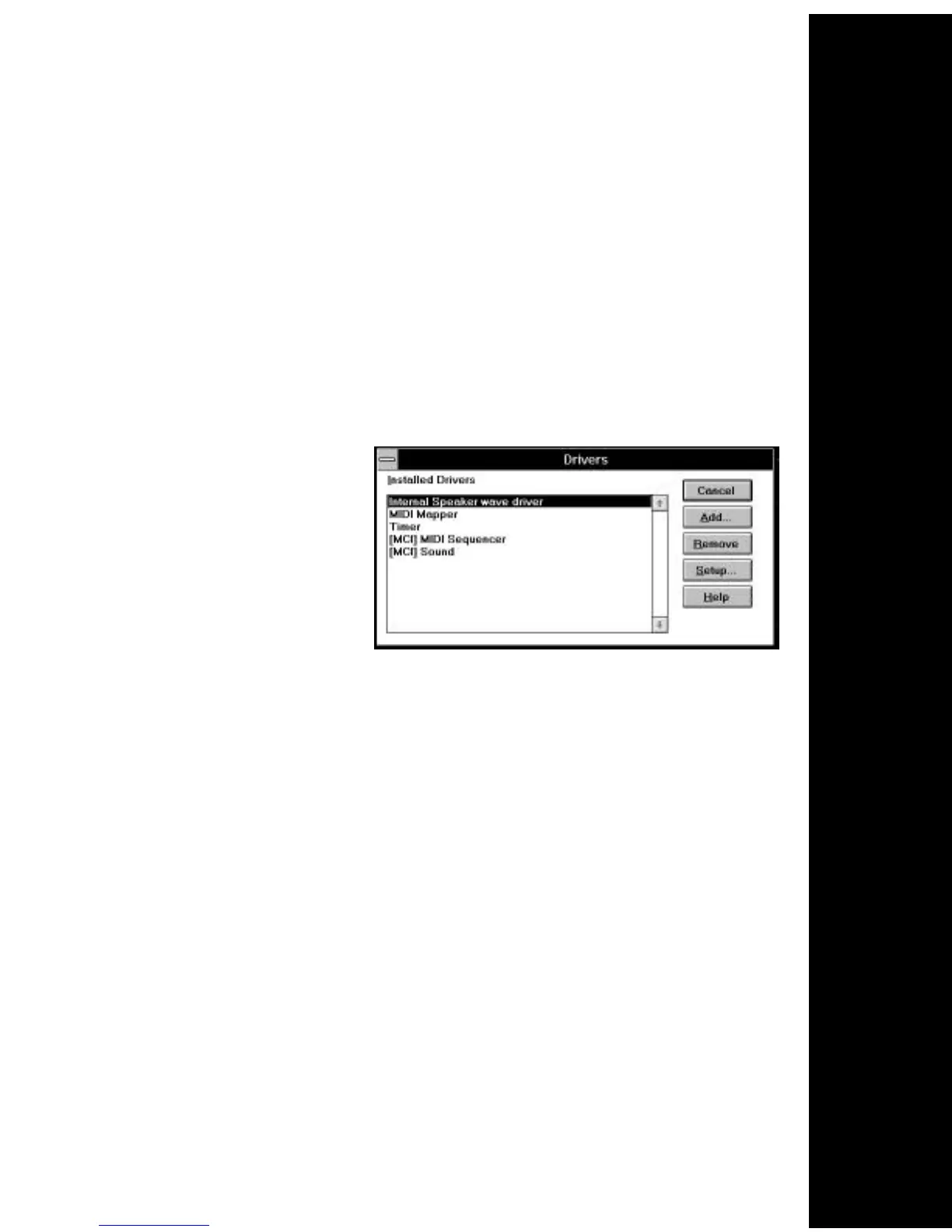
1. Turn on your computer and start Windows, go to the Main
group, select Control Panel and select Drivers. Here you will see
a list of device drivers
present in your
computer.
2. Remove the sound
card drivers from the
drivers list. Highlight
the sound drivers and
click on “remove.” If you are not sure which drivers are for your
sound card, refer to the documentation that came with your
sound card or your computer system.
3. Turn off your computer and remove the sound card from the
system.
Replacing an Existing Modem
If your computer came with an internal modem, you must
physically remove it or disable it through your computer’s BIOS
setup. Consult your computer manual’s documentation for specific
instructions.
Now, you are ready to install the SoundExpression 14.4.



 To Next Page