.
.
.
.
.
.
.
.
.
.
.
.
.
.
.
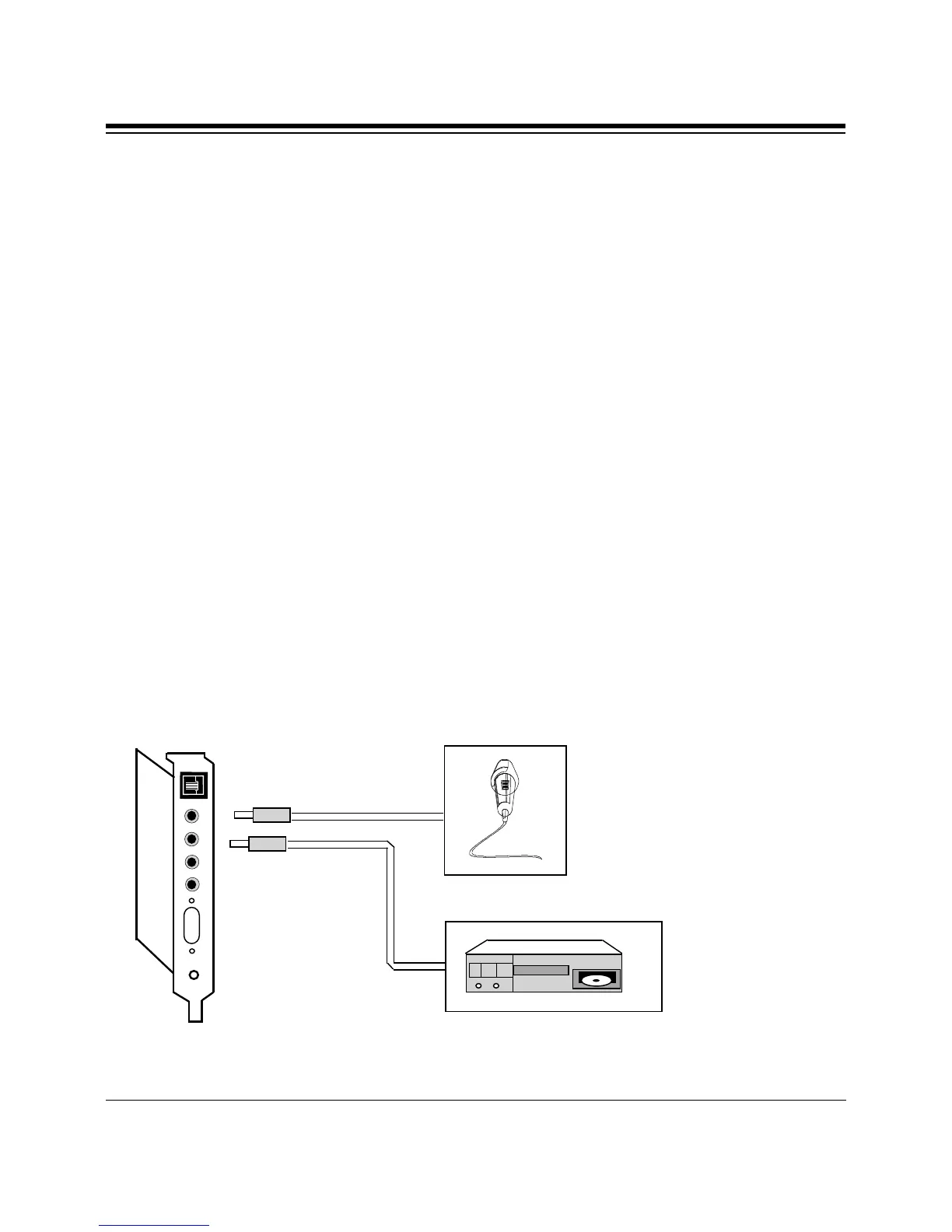
SPK
L-OUT
L-IN
MIC
MICROPHONE
INPUT
(OPTIONAL)
INPUT DEVICE
(A CD-PLAYER
FOR EXAMPLE)
(OPTIONAL)
2.4 Attaching External Audio/Game Devices
You can attach optional devices to the remaining connectors as
described below. Note also the diagrams that follow.
2.4.1 Attaching External Audio-in Devices
1. If you are using a microphone, plug it into the MIC connector. Use a
dynamic mono microphone with a resistance not exceeding 600 ohms,
or an Electret (condenser) mono microphone. See Appendix C for more
information.
2. If you are using a CD-player, hi-fi set, radio set, synthesizer, or
walkman, plug it into the L-IN (LINE IN) connector.



 To Next Page