41
Troubleshooting
SE1440
Section Five: Troubleshooting
5.1 Sound Problems
This section discusses commonly encountered sound-related problems
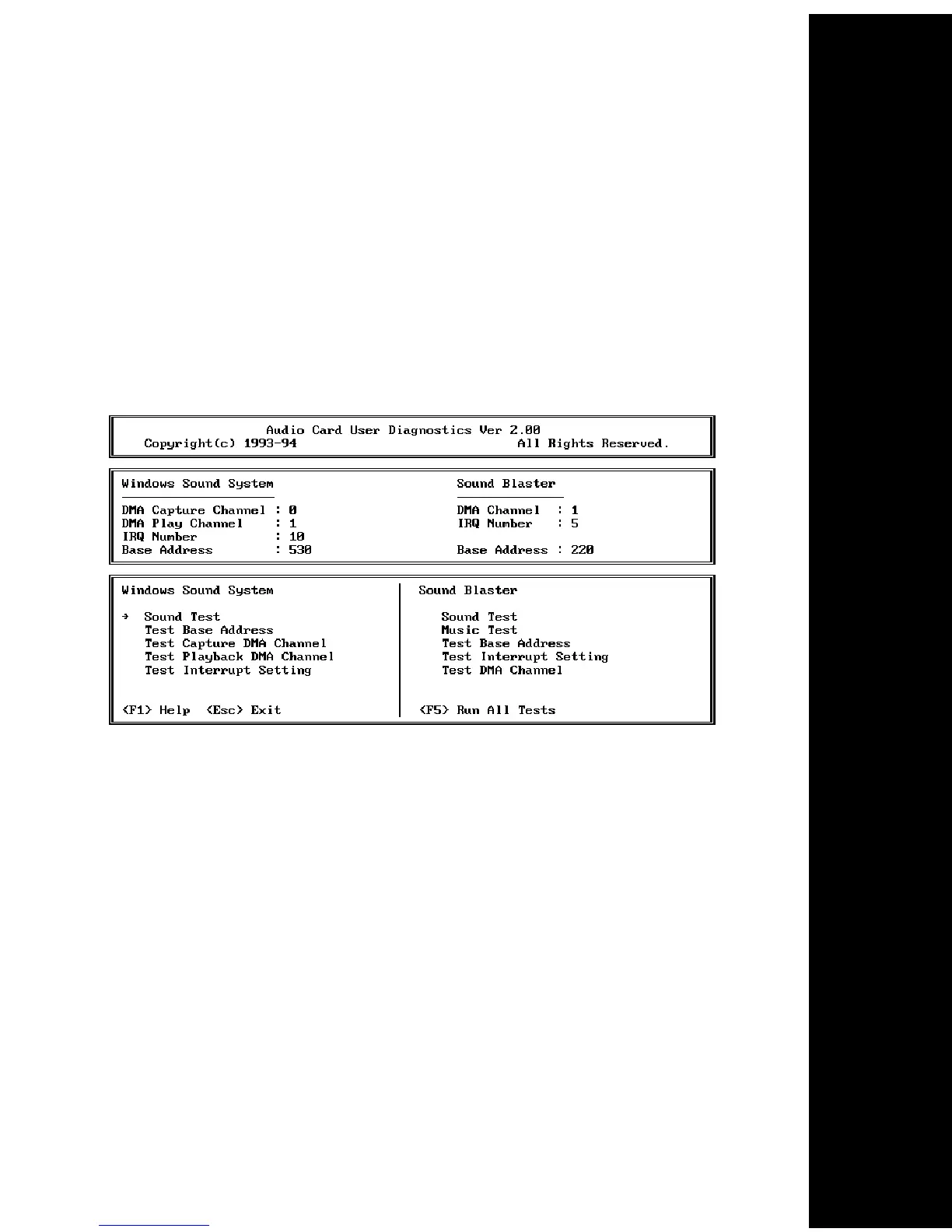
and possible solutions. Type “CSACDIA1” at the C:\SE1440 subdirectory
for the “Audio Card User Diagnostics” screen as shown below:
Press F5 to run all tests. To run sound tests for Windows Sound System
(Sound Test) and Sound Blaster (Sound Test and Music Test), use your
mouse to click on these tests, or use the arrow keys. Press ENTER. The
upper portion of the screen displays your sound card configuration.
NOTE: If you need to change your configuration settings after initial
installation, run the DOS-based utility called “CSACSET”. Type:
C:\SE1440\CSACSET and press ENTER.



 To Next Page