34
SoundExpression
3.3 Driver Installation (DOS)
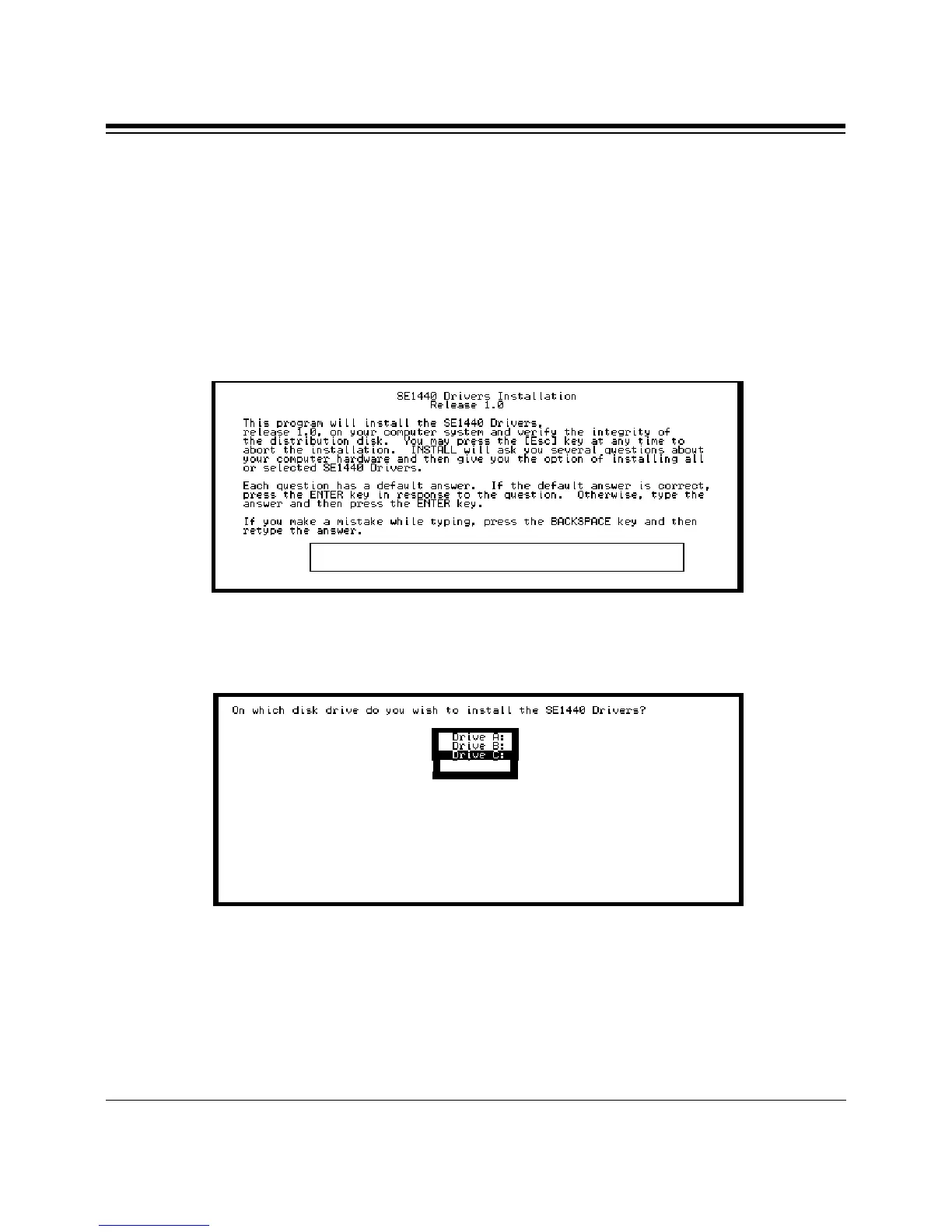
1. An introductory screen is displayed as shown below. Throughout the
installation, follow all on-screen directions. We recommend accepting
the offered defaults. You may press the ESCAPE key to stop the
installation at any time, but you will have to start over should you
decide to resume.
2. Specify the path (drive and directory) to which the files will be installed.
3. Next, you will specify the type of CD-ROM drive you are using (if any).
If you select a CD-ROM type (any selection other than None), you will
be asked for setup information for your particular CD-ROM. Continue
with the installation by pressing ENTER.
Press [ESC] to quit, any other key to continue...



 To Next Page