33
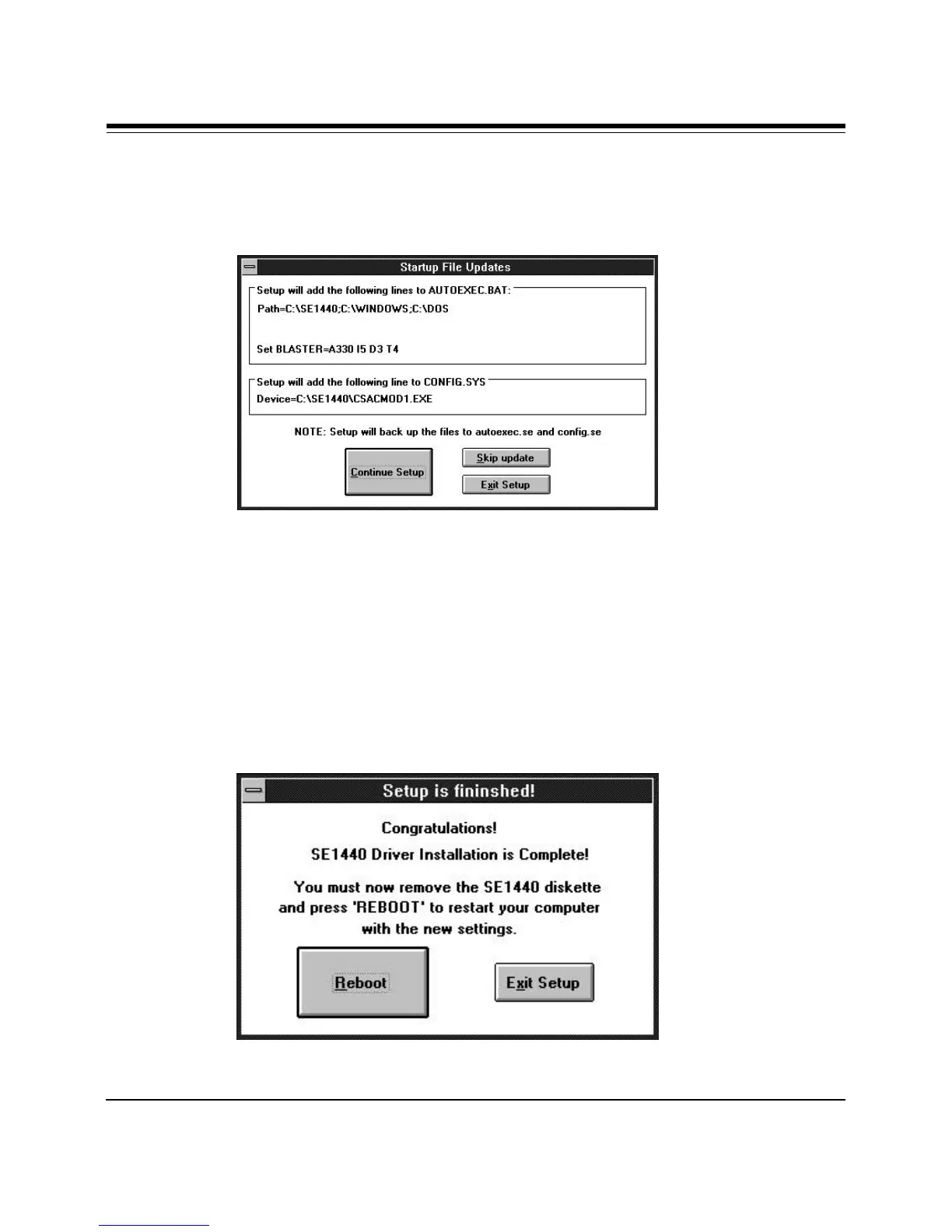
9. Files are then transferred and the following screen is displayed.
Your AUTOEXEC.BAT and CONFIG.SYS files are updated and previous
versions of these files are renamed with .SE extensions.
When complete, select Reboot. Installation is complete. If you haven’t
already done so, install CD-ROM drivers provided by the manufacturer of
your CD-ROM drive. Then proceed to your sound or modem applications.
Driver Installation



 To Next Page