26
SoundExpression
3.2 Driver Installation (Windows)
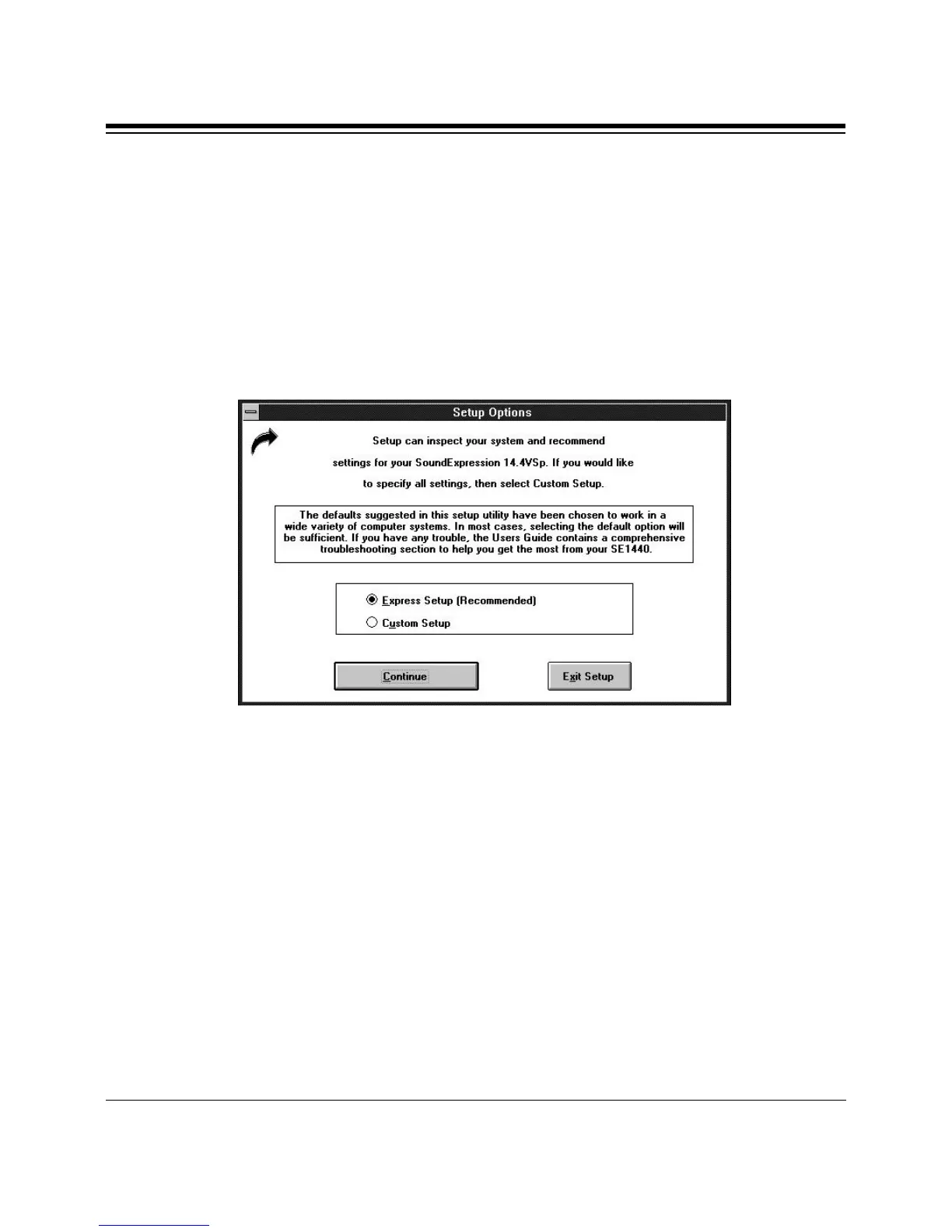
1. After an introductory screen, press Continue and the Setup Options
dialog box is displayed as shown below. Throughout installation, follow
all on-screen directions. Here, select Express Setup (recommended) or
Custom Setup.
Select Continue or Exit Setup.
2. If you selected Custom setup, the following screen is displayed. You
will need to know the IRQs, I/O addresses, and type settings for your
CD-ROM drive (if any). Here and on all subsequent screens, you will
have the option of continuing setup, returning to the previous screen, or
exiting setup.
If you selected Express Setup, continue with step 3.



 To Next Page