44
SoundExpression
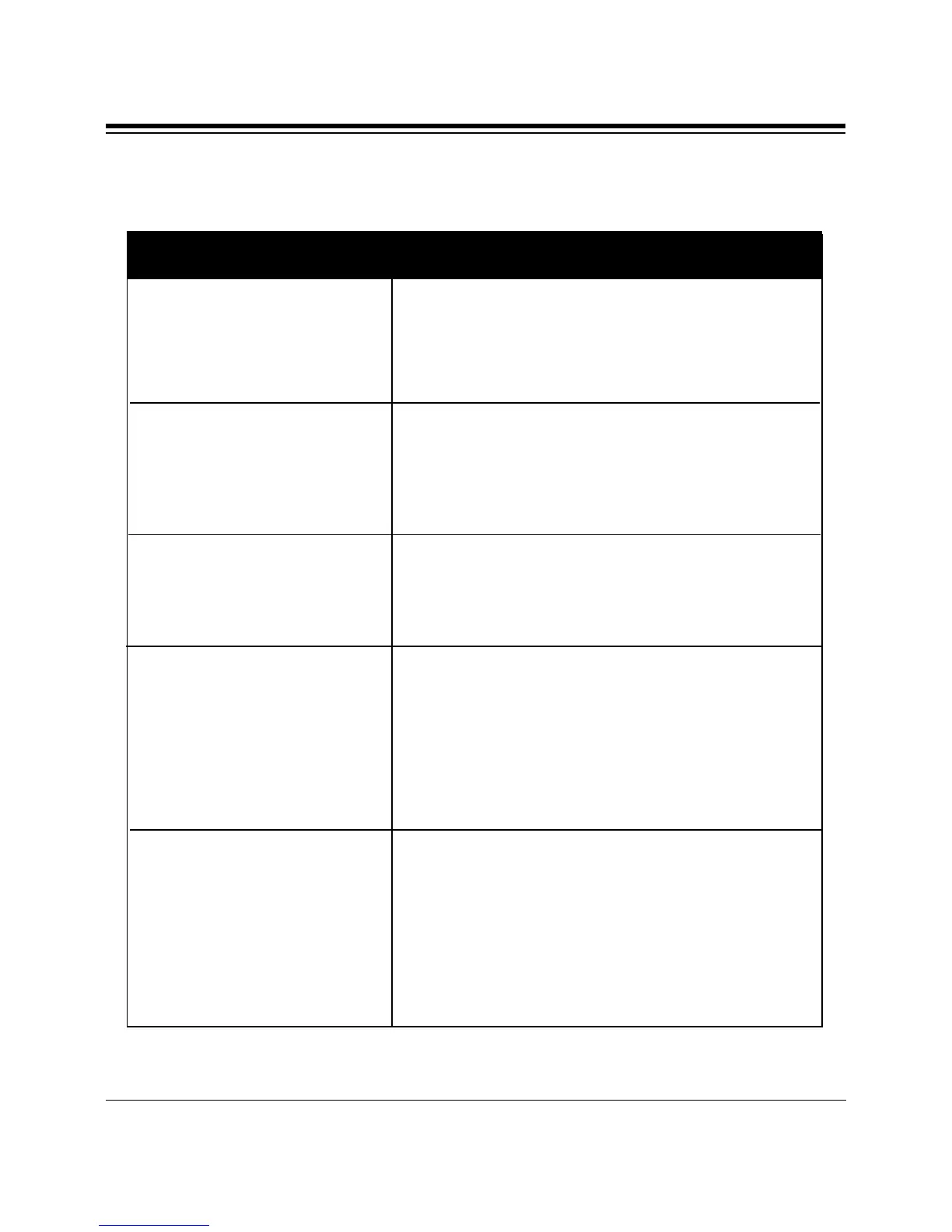
SYMPTOM POSSIBLE REMEDY
The sound board may not have been
inserted completely into the 16-bit slot.
Refer to Section Two: Installing Your New
SE1440 to install the sound board properly.
There is a hardware conflict between the
sound card and other interface cards in your
system. Power down and remove all other
cards except the SE1440, your video card, and
the hard drive controller. Reboot again.
There might be a hardware conflict between
the sound card and the other device. Run
CSACDIA1 (page 43) to find out which
hardware setting is conflicting
a) If you installed another sound card in
your system before, make sure you have
removed all its drivers in Windows
including any virtual device driver.
b) There might be conflicts with another
device in your system. Run CSACDIA1
(page 43).
a) Check that the speakers are connected
properly to the L-OUT (amplified speakers)
connector or SPK (unamplified speakers)
on the sound card. If your speakers use
batteries, make sure that they have the
batteries they need.
b) Refer to the README file to determine
how to adjust the volume.
Your computer does not
boot up after installing
the board.
The computer hangs,
reboots itself, or issues a
parity error after the board
is installed.
A device in your computer
does not work or does not
work properly after the
board is installed.
Your system hangs when
you enter or exit
Windows.
There is no sound output
in games.
Commonly Encountered Problems and Solutions



 To Next Page