16
7.2 Configuration menu – all models except Style 7D-10D-10SD
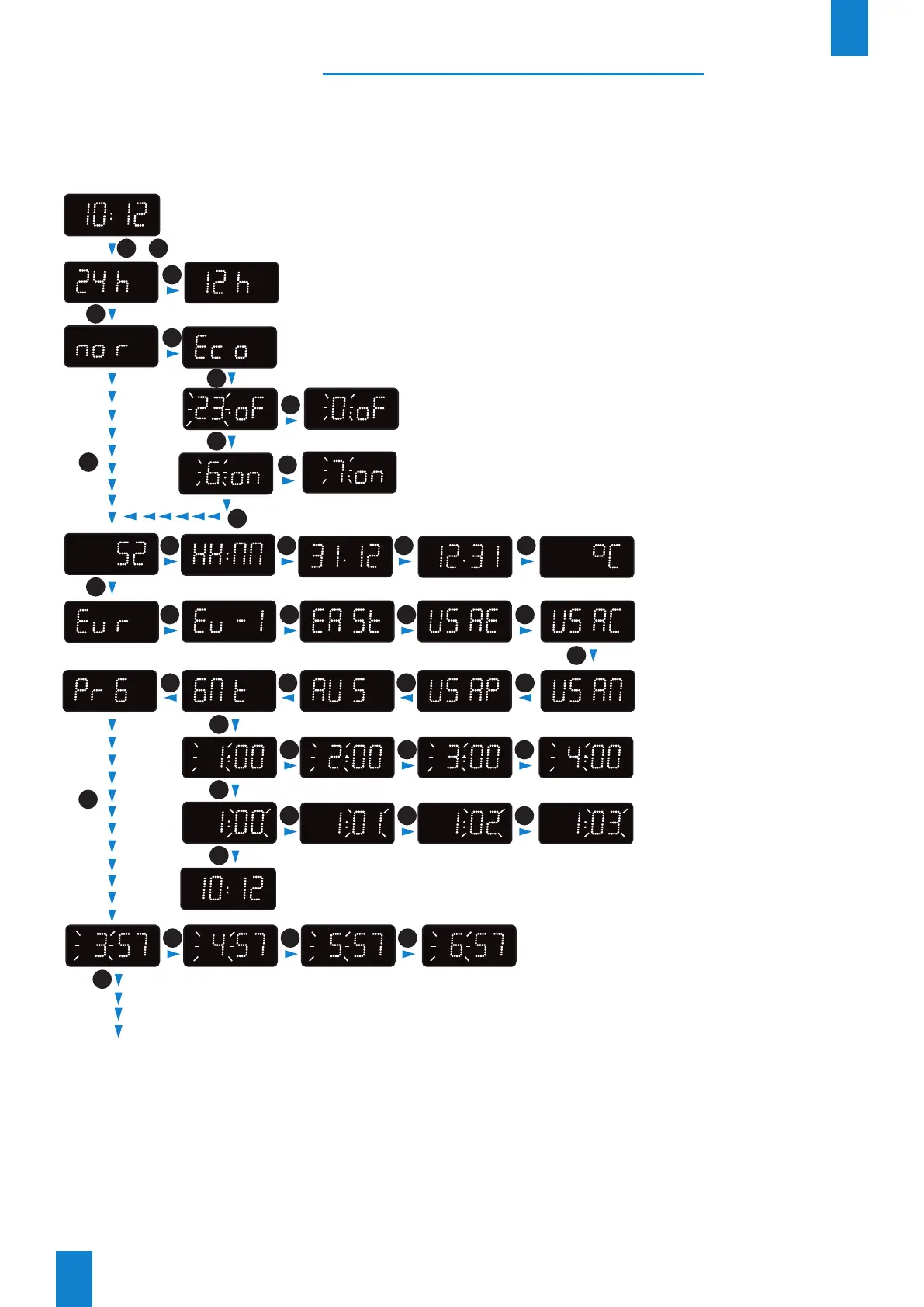
Access the configuration menu by pressing and holding "S" then "+" for 3 seconds.
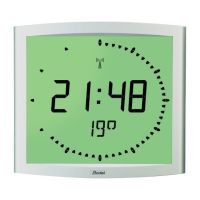
Note: the temperature display option is not available the Style 10D and 10SD.:
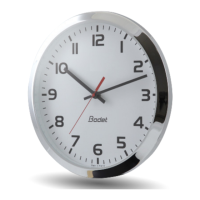
*Case of Style 5, 7 and 10 clocks - IND
On these clocks it is possible to display the temperature in xed mode, to do so select ‘‘F °C’’
after ‘‘°C’’..
EN
+
+
+
+
+
+ +
S
S
S
S
S
S
S
S
S
Select display mode: 12 or 24 hr (default 24 hr)
Hold down for 3 seconds
+
Show display options
(default HH:MM)
Select time zone
(default Eur)
Time difference: hours
(GMT mode)
Time difference: minutes
(GMT mode)
Month for changeover to summer time
(default 3, i.e. March)
End of menu (GMT mode)
Select energy-saving mode
(default nor)
Eco mode:
Select looped switch-off time from 0 to 23
(default 23)
Select looped switch-on time from 0 to 23
(default 6)
+
+
S
S
S
+
+ + +
+ + +
+ + +
+
+ +
++++
+ +
Local mode (Loc) only for AFNOR and DHF synchronisations
+
+
*


 To Next Page