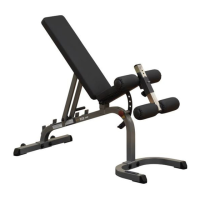
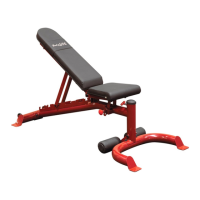
G L P H 1 1 0 0
T o r s i o n S p r i n g R e m o v a l
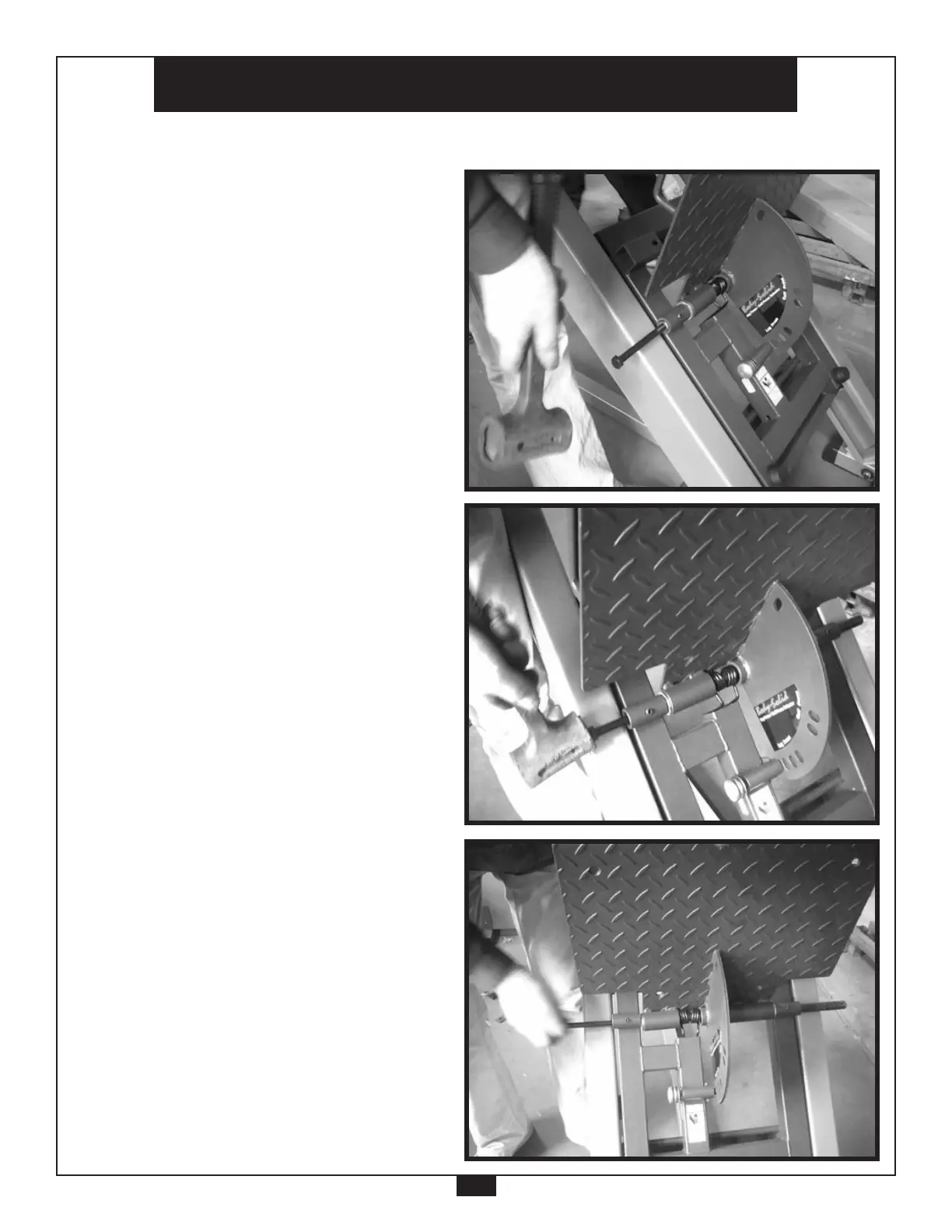
Use a hammer to tap on the
head of the threaded bolt or
punch.
•
Continue using a hammer
until the bolt or punch ter-
minates near the axis open-
ing or Shaft (48) is protrud-
ing out of the opposite end.
•
Unscrew and remove the
bolt, if this method has been
used.
Remember to reinstall
the bolt back onto the
GLPH1100 mainframe.
•
•
49



 To Next Page