17
Frequency configuration: Allows to modify the measurement period of the
associated pills
Monitor menu
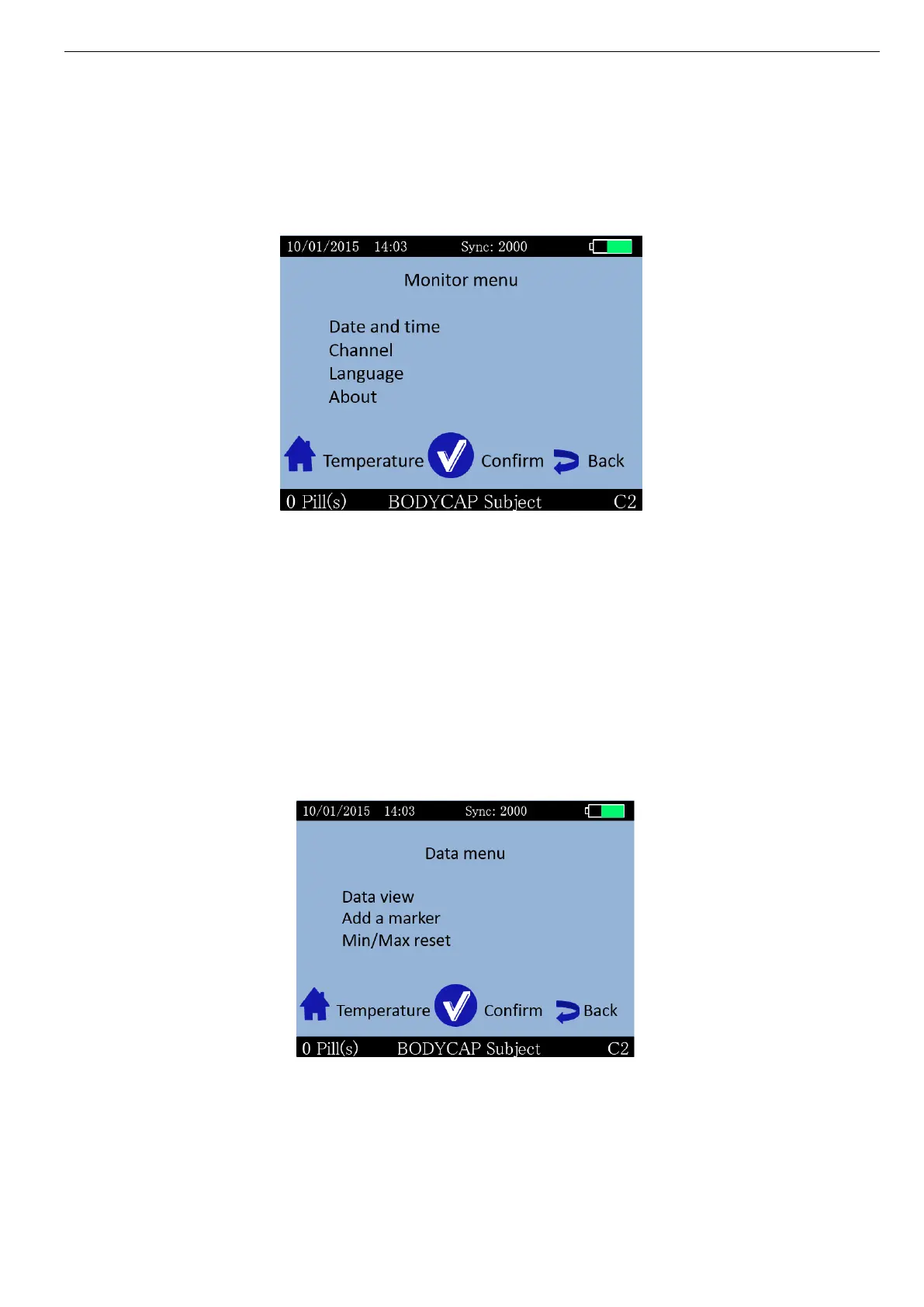
Monitor menu is used to manage the monitor configuration (Picture 14: Monitor menu).
Picture 14: Monitor menu
Date and Time: Allows to set time zone, date and time
Channel: Allows to set the channel.
Language: Allows to change language
About: Allows to visualize the software release number, the
serial number of the monitor and to see if the monitor is
in CE or FCC mode
Data menu
The Data menu is used to visualize the latest temperature data from the associated capsules.
(Picture 15: Data menu of e-Viewer performance monitor).
Picture 15: Data menu of e-Viewer performance monitor
Data view: Allows to visualize the last collected data as well as the
minimum and maximum values collected by each
associated capsule.



 To Next Page