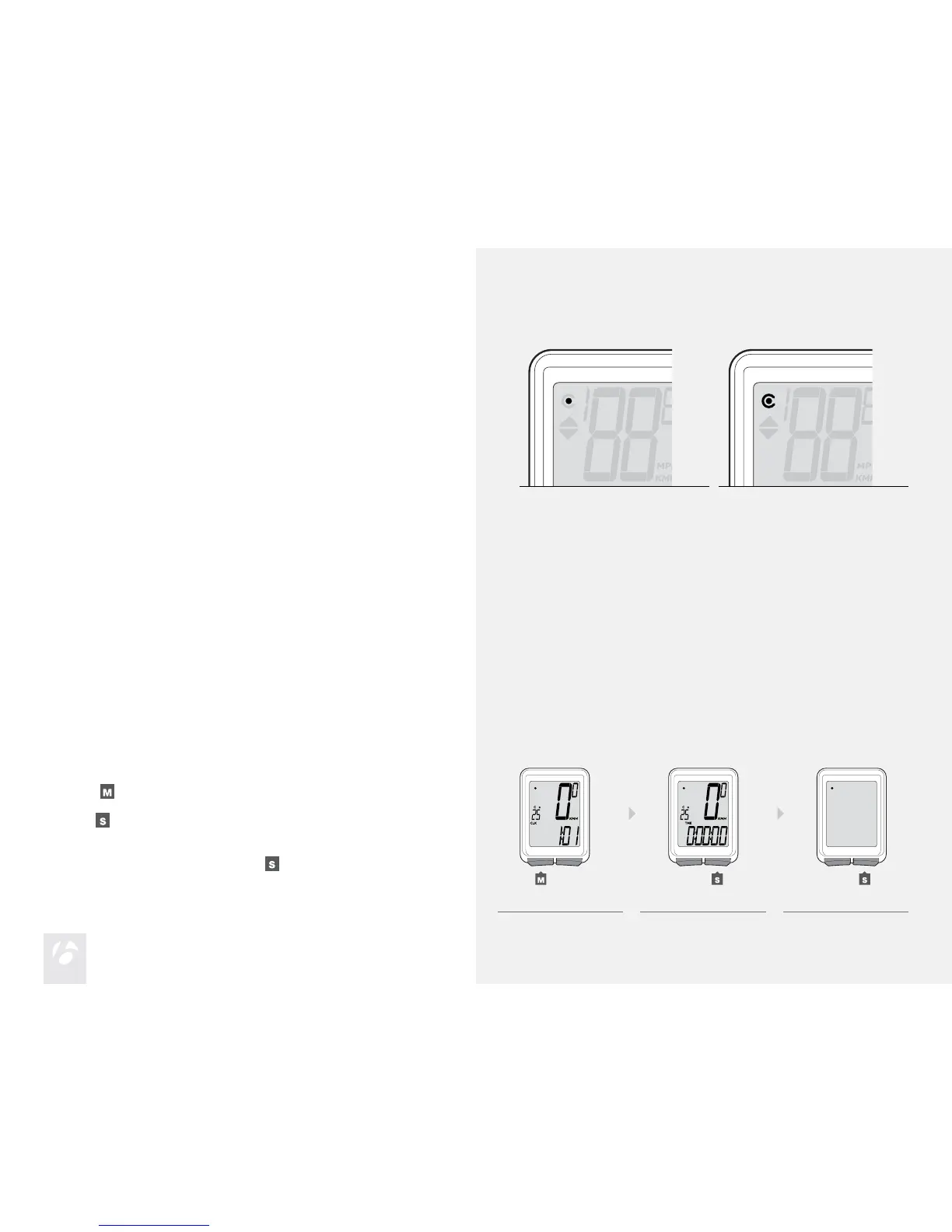
The Trip can store two different wheel sizes. The icon for Wheel 1 (Figure 8) is a
small circle. Wheel 2 is a partial circle surrounding the Wheel 1 icon (Figure 9).
The odometer combines the distance accumulated on both wheel settings.
Second Wheel Size (Trip 4W only)
Figure 8. Wheel 1 Icon. Figure 9. Wheel 2 Icon.
To Set the Second Wheel Size
Scroll
to TME.
Hold
for two seconds.
The Wheel Selection icon appears.
To change to Wheel 1 or Wheel 2, press
.
1.
2.
3.
1. 2. 3.
(for 2 seconds)











 To Next Page