Boonton 4540 Series RF Power Meter
Operation
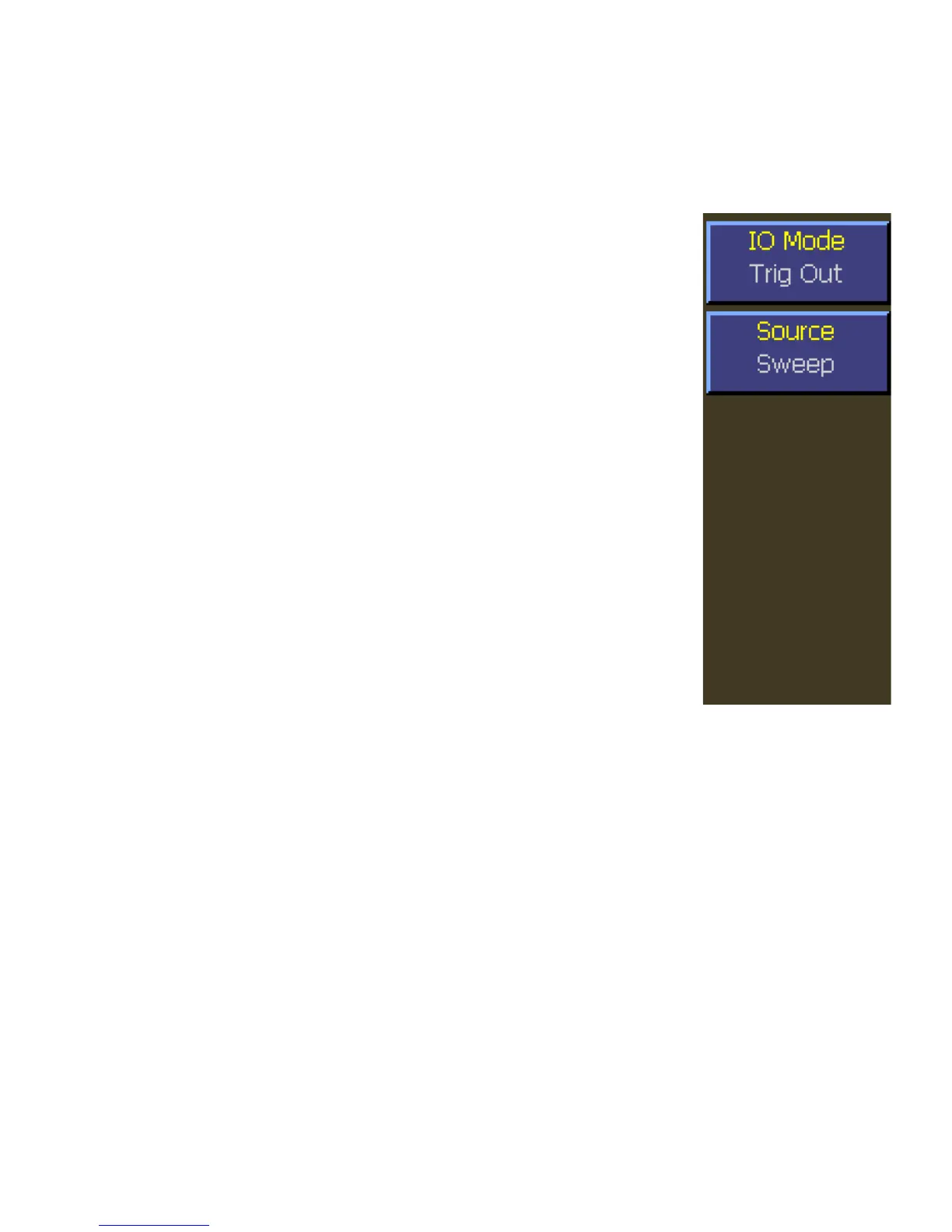
4.5.43 System > I/O Config > Multi IO > IO Mode Trig Out Menu
This menu selects trigger related signals to the Multi-I/O BNC connector on the rear panel.
Main Pg 2 > System > I/O Config > Multi IO > IO Mode Trig Out
Description: Alternately opens and closes the IO Mode Popup Menu.
All selections are made from the popup menu. Use the
Up ▲ and Down ▼ Arrow keys to select the desired
output. Press the Enter key to open the appropriate
submenu and close the popup menu. The IO Mode
menu box is common to all submenus and displays
the current selection.
Menu Type: Action.
SCPI Command: OUTPut:MIO:MODe TRIGger
Main Pg 2 > System > I/O Config > Multi IO > Source (Trigger Out)
Description: Selects the source of the trigger related output signal.
Menu type: Multiple Choice.
Choices: Sweep, IntTrig1, IntTrig2, ExtTrig
SCPI Command: OUTPut:MIO:TRIGout:SOURce < character data >
SCPI Arguments: INT1, INT2, EXT, SWEEP
Fig. 4-55 MIO Mode
(Trigger Out)


 To Next Page