Boonton 4540 Series RF Power Meter
Operation
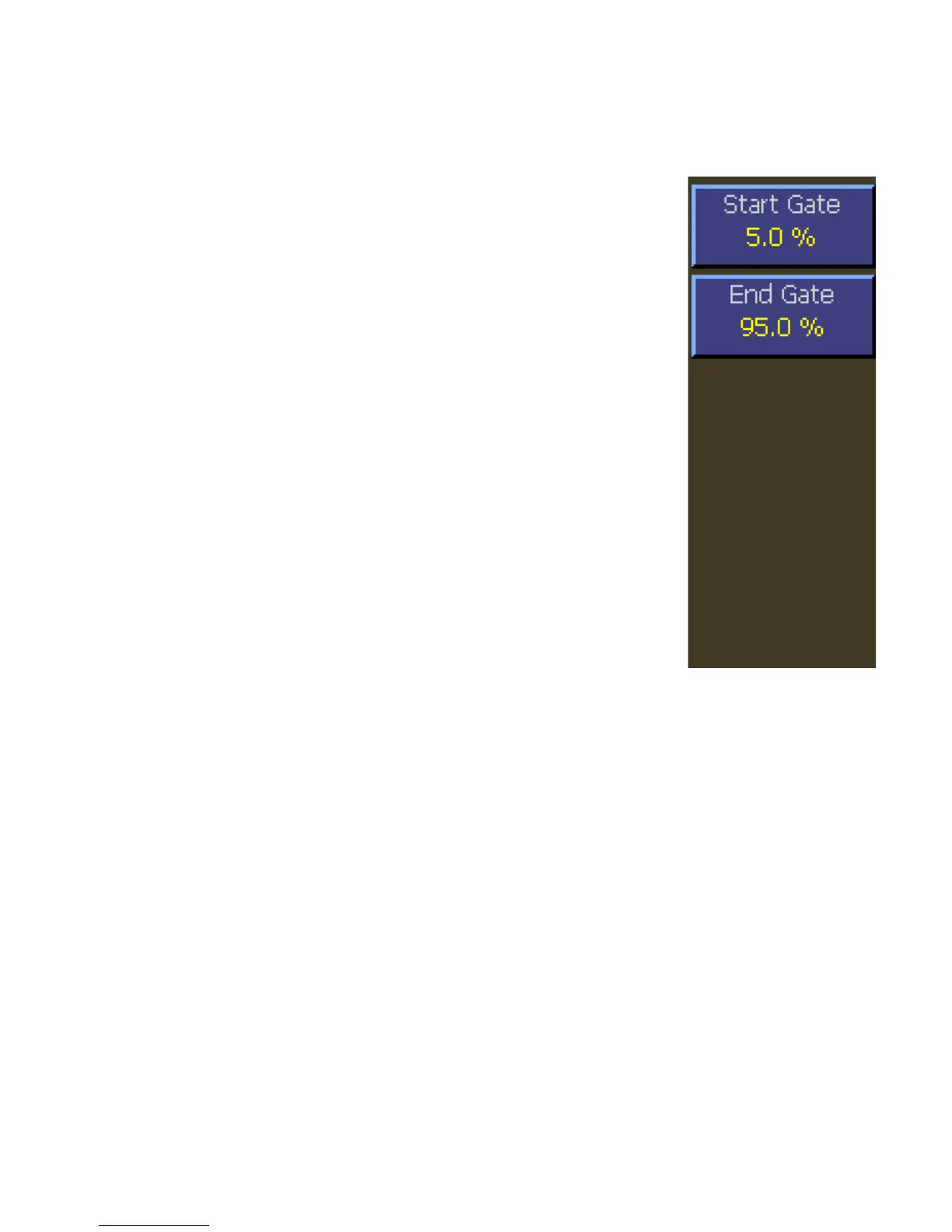
4.5.16 Channel > Extensions Pg 1 > Define Pulse > Pulse Gate Menu
Main Channel > Channel 1 | 2 > Extensions Pg 1 > Pulse Gate > Start Gate
Description: Sets the beginning of the pulse measurement region
as a percentage of pulse width.
Menu Type: Numeric value.
Range: Continuous range 0.0 % to 40.0 %
SCPI Command: SENSe[1|2]:PULSe:STARTGT <numeric_value>
Main Channel > Channel 1 | 2 > Extensions Pg 1 > Pulse Gate > End Gate
Description: Sets the end of the pulse measurement region as a
percentage of pulse width.
Menu Type: Numeric value.
Range: Continuous range 60.0 % to 100.0 %
SCPI Command: SENSe[1|2]:PULSe:ENDGT <numeric_value>
Fig. 4-23 Pulse Gate Menu



 To Next Page