Boonton 4540 Series RF Power Meter
Operation
4.5.6 Channel Menu
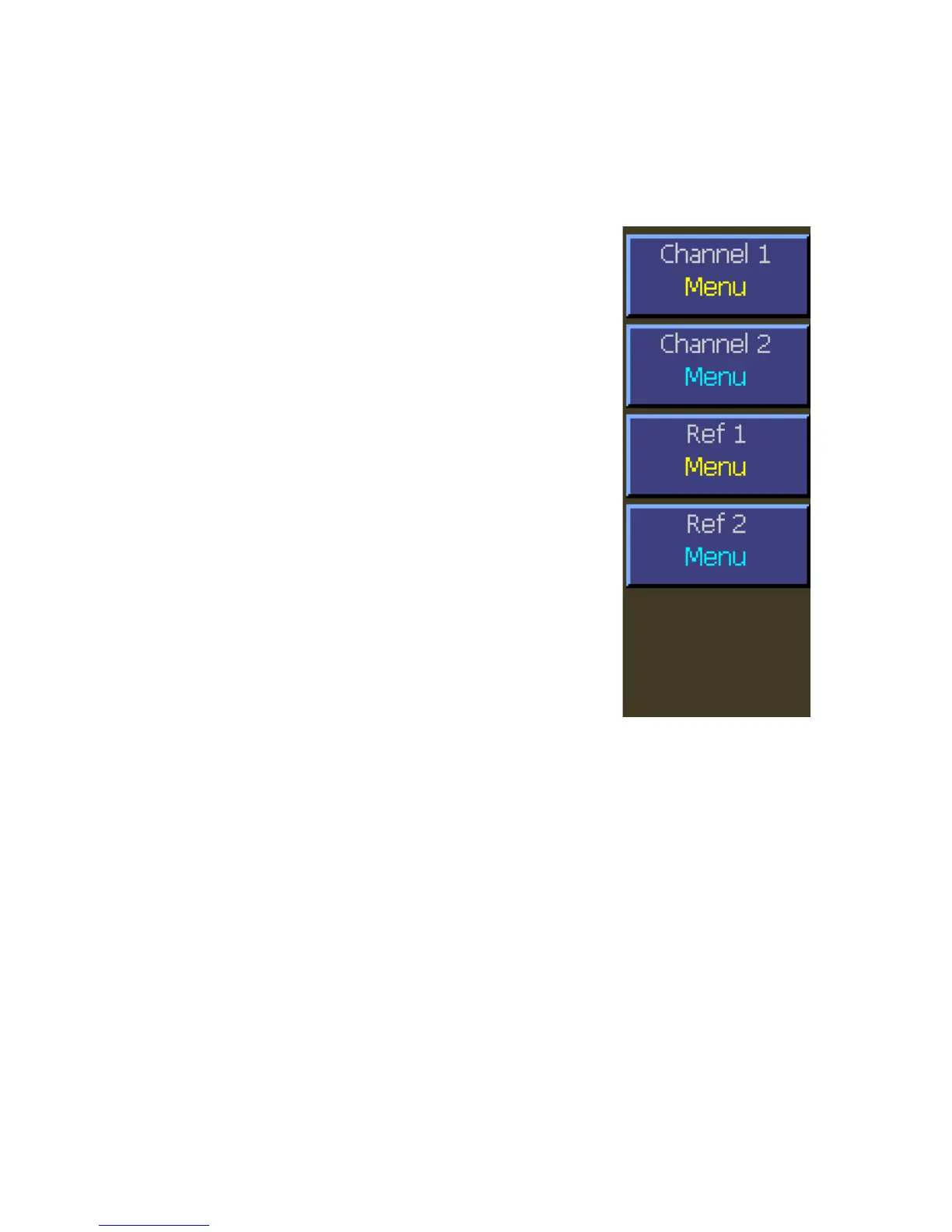
Select the specific menu for the desired measurement or reference channel if available.
Main > Channel > Channel 1
Description: Select the Channel 1 Menu.
Menu Type: Menu Selection.
SCPI Command: None
Main > Channel > Channel 2
Description: Select the Channel 2 Menu. Channel 2 is available
only on the Model 4542.
Menu Type: Menu Selection.
SCPI Command: None
Main > Channel > Ref 1 (Modulated Mode only)
Description: Select the Channel 1 Reference Menu.
Menu Type: Menu Selection.
SCPI Command: None
Main > Channel > Ref 2 (Modulated Mode only)
Description: Select the Channel 2 Reference Menu. Reference 2 is
available only on the Model 4542.
Menu Type: Menu Selection.
SCPI Command: None


 To Next Page