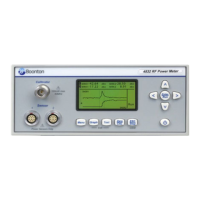
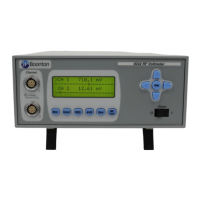
Boonton 4540 Series RF Power Meter
Appendix A
How to Start Up in Boot Loader Mode
1. From a powered-down state, press and hold the top and bottom blue soft keys simultaneously
(located next to the display).
2. Press the green power key. After a few seconds the instrument should display a text screen
with the heading ―4540 Bootloader ver. ‖ with a specific version number.
3. The 4540 Peak Power Meter is now ready for firmware upgrade via TCP/IP (LAN). GPIB
and USB update is not available in bootloader mode.
4. Continue with step (5) above to install firmware.
Note The firmware update will be significantly slower in boot loader mode.


 To Next Page