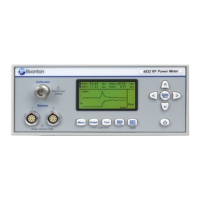
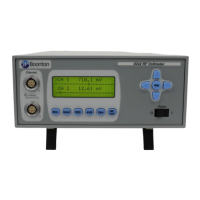
Boonton 4540 Series RF Power Meter
Operation
Main > Channel > Channel 1 | 2 > Extensions Pg 1 > Filter Time
Description: Set the current length of the integration filter on the selected channel.
Menu Type: Numeric value.
Range: 0.010 s to 15.000 s
SCPI Command: SENSe[1|2]:FILTer:TIMe <numeric_value>
Main > Channel > Channel 1 | 2 > Extensions Pg 1 > More
Description: Opens page 2 of the Channel Extensions Menu.
Menu Type: Menu Selection



 To Next Page