Export
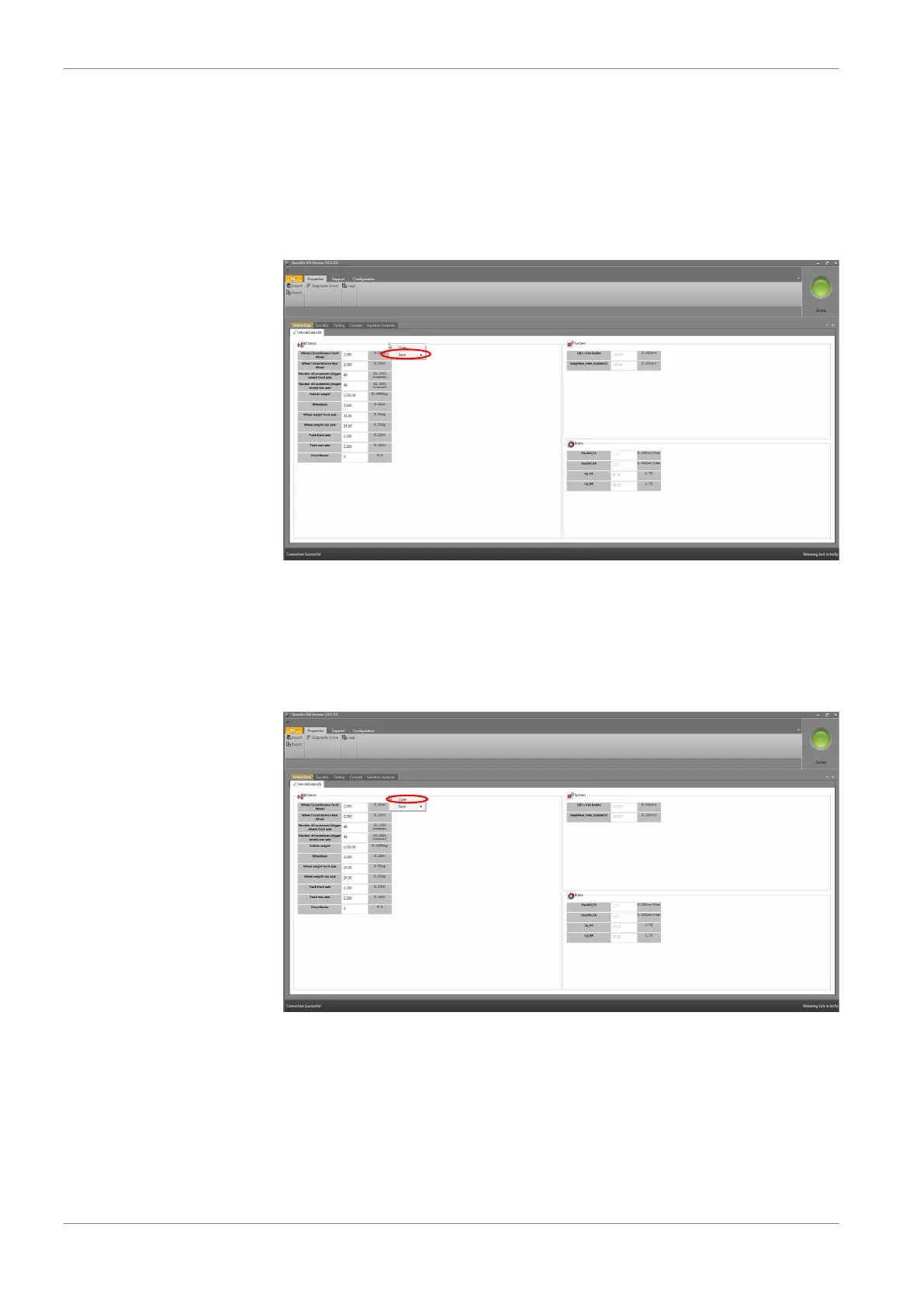
To save the whole settings and error messages (vehicle data ABS, testing, ECU In‐
fo) simultaneously, fill in the given fields. Click with “Export” in the drop‐down
menu.
If there are problems, you can send log and export file to your dealer or OEM
customer service.
System
Please contact your dealer or the OEM customer service if errors occur that you
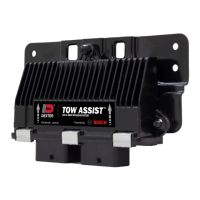
are not able to fix by yourself. In this case, please send a log and export file. Click
with the right mouse button in the window and click on “Open” in the drop‐
down menu to find the log file.
Vehicle Data
You can find a form to fill in your vehicle data on www.bosch‐motorsport.com.
This form should be provided to you by your dealer with the order of the kit, if
the kit shall be programmed by Bosch.
If you need to replace the ECU or modify the programmed vehicle data, you can
update the data in the software by yourself.
9.2.3
9 | Programming and Diagnosis Software
28 / 54 ABS M4 Manual Bosch Motorsport


 To Next Page