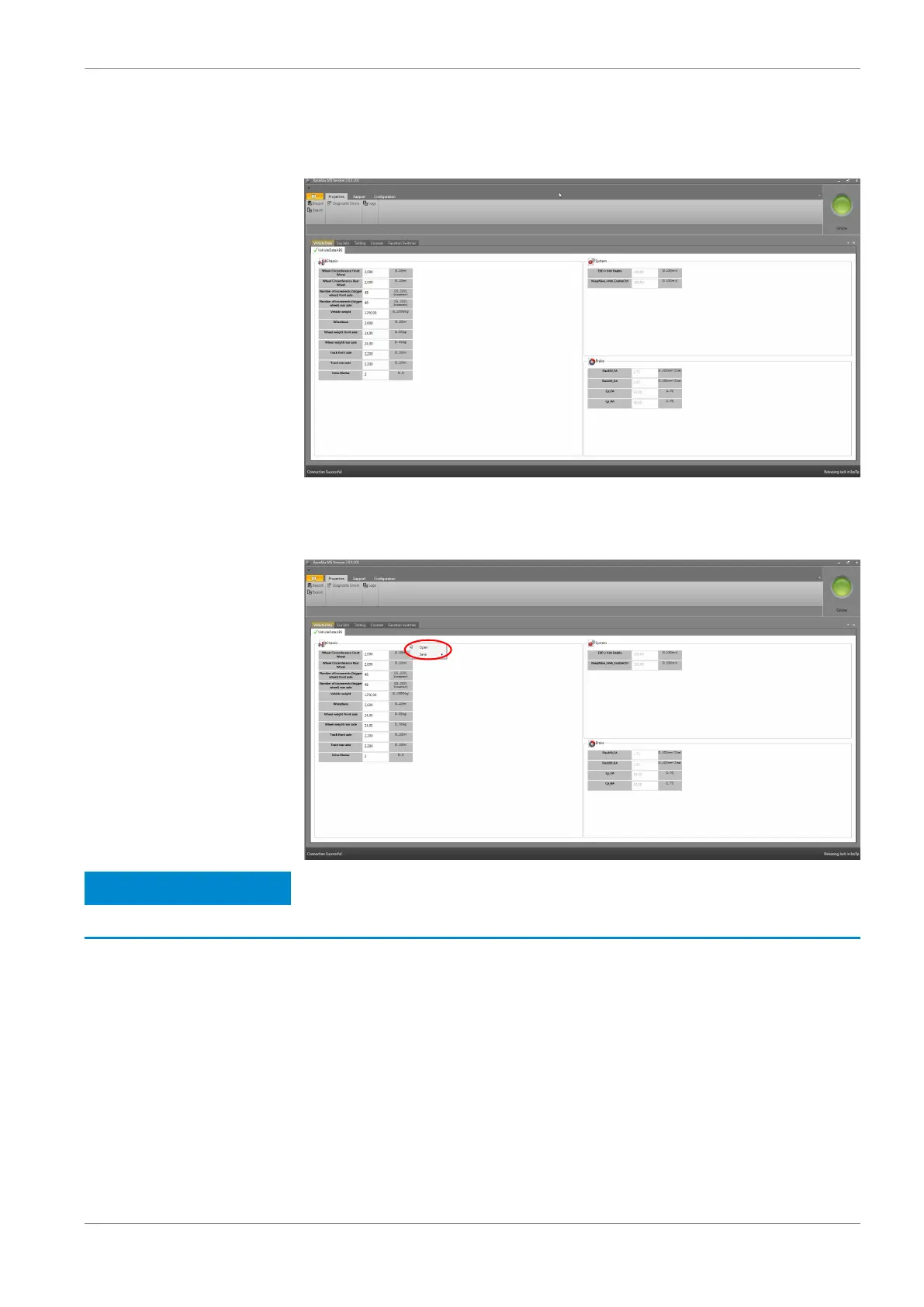
Within the window “Vehicle Data ABS” a short declaration or the measuring unit
for each value can be shown. By holding the cursor over a data range, a small
window with the declaration occurs.
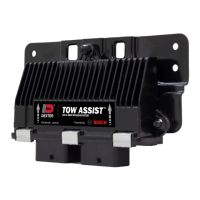
You can save and open the vehicle data of the window “Vehicle Data ABS” sepa‐
rately. Therefore, click with the right mouse button in the window. In this way, a
text file can be loaded into the system or the actual window can be saved.
Notice
Only the active window will be saved.
Default value for the ABS map switch
For the 12‐position ABS map switch, you can specify a default value. If the func‐
tion switch fails for any reason, the switch automatically takes the position of the
default value. To assign a position for the default value, select a number between
one and twelve under “MultiSwitch” in the field “Default Position”:
Programming and Diagnosis Software | 9
Bosch Motorsport ABS M4 Manual 29 / 54


 To Next Page