Step 5: Testing the function of the brake pressure sensor and brake light
switch
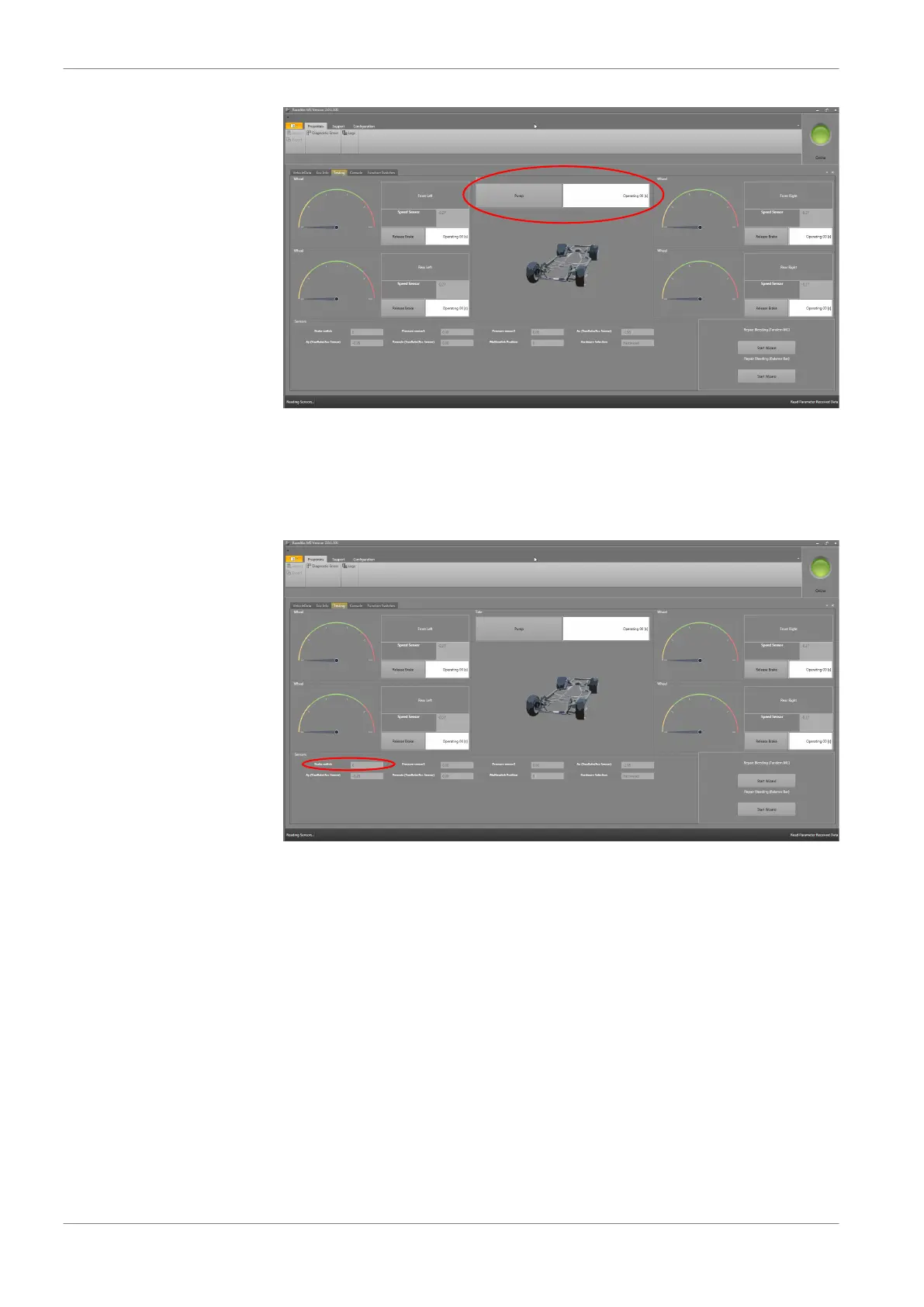
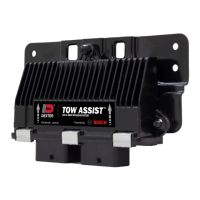
Start the RaceABS with connection to the MSA Box II and press the brake pedal
for a few seconds with slowly rising pressure. The digital display “Brake
switch“ bit should toggle from 0 to 1, see screenshot below.
If the bit does not toggle, check the pressure sensors. The brake light switch bls
is a function of the pressure sensors.
The digital display „Pressure sensor“ should show a logical value, e.g. 3.87, in the
screenshot below.
9 | Programming and Diagnosis Software
32 / 54 ABS M4 Manual Bosch Motorsport


 To Next Page