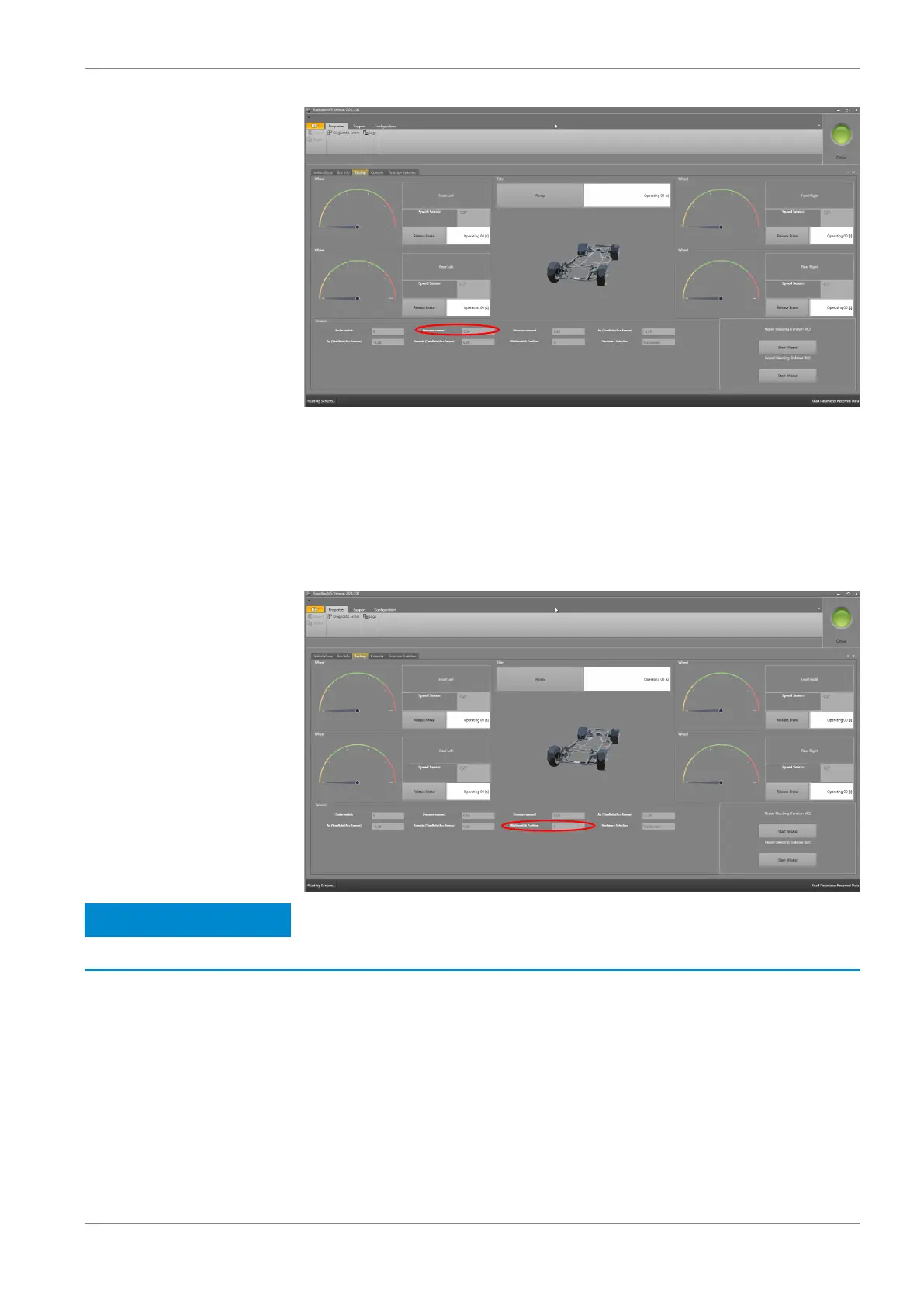
If the software displays no value or an illogical value, open the “ECU Info” tab
and check the error memory. Do you find errors relating to the brake pressure
sensor? See section ECU Info (Diagnostics) [} 35] for more information regard‐
ing ECU diagnostic errors.
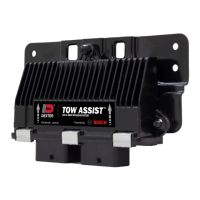
Step 6: Testing the function of the ABS Map switch
Turn the 12‐position ABS Map switch through full rotation. With every step, the
number of measuring points should increase by 1.
Notice
MIL shines permanently in diagnosis mode.
See also
2 Brake Light Switch [} 22]
Repair Bleeding Wizard
Under the “Testing” tab of the RaceABS software you will also find two buttons at
the bottom right labeled “Repair Bleeding (Tandem MC)” and “Repair Bleeding
(Balance Bar)” with the button “Start Wizard”.
9.2.5
Programming and Diagnosis Software | 9
Bosch Motorsport ABS M4 Manual 33 / 54


 To Next Page