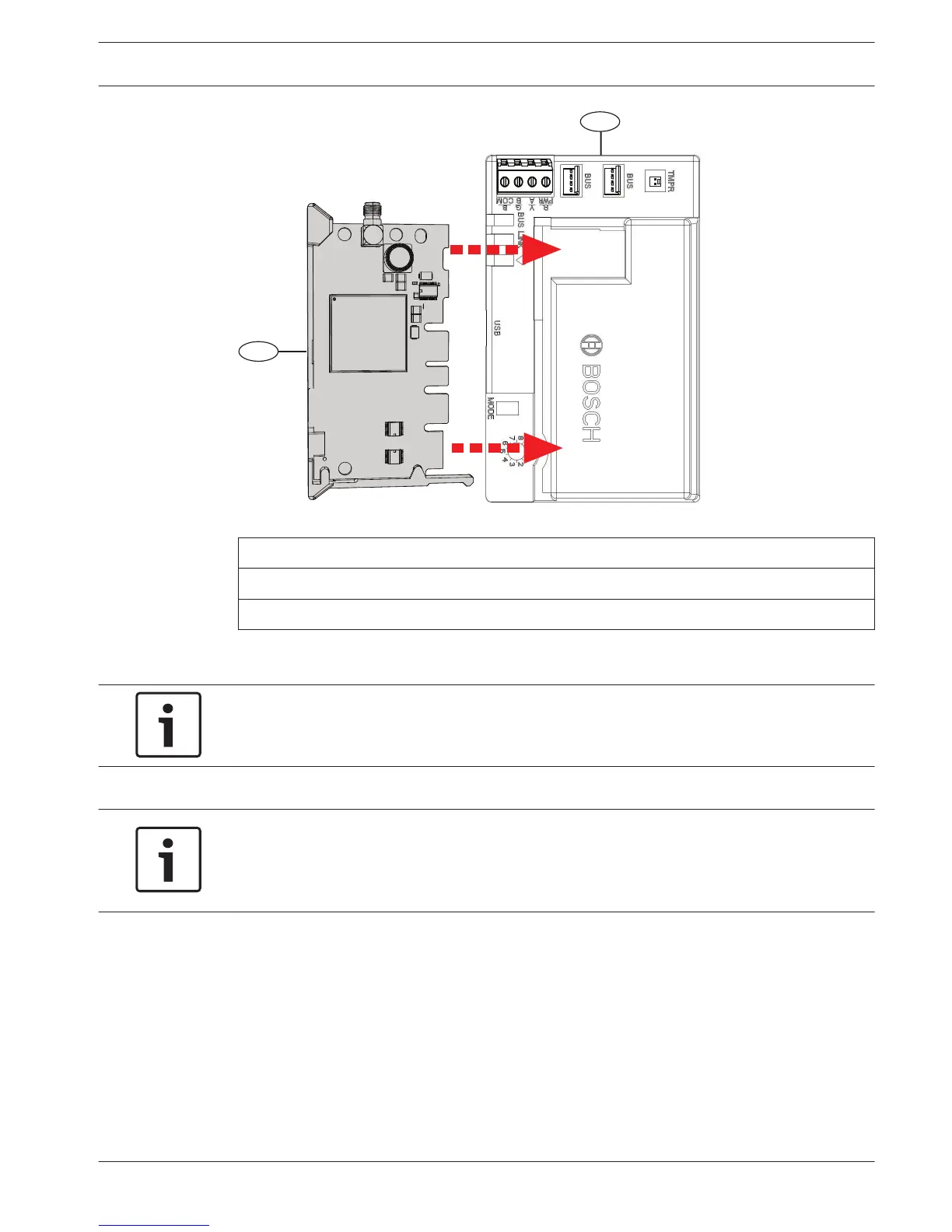
Figure 4.2: Inserting the communication module into the B450
Callout ᅳ Description
1 ᅳ B44x Plug-in Communicator module (available separately)
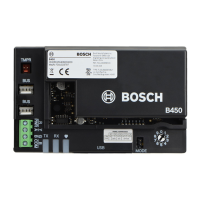
2 ᅳ B450 Conettix Plug-in Communicator Interface
Mount the module in the enclosure
Notice!
UL requires that for security installations, the B450 module be installed in a UL Listed
enclosure with a tamper.
Notice!
If you are not using the interconnect cable, it is recommended to wire the B450 module to
the compatible control panel via the terminal strip prior to mounting the B450 into the
enclosure. Failure to do so will complicate the mounting procedure.
Mount the B450 Conettix Plug-in Communicator Interface using the interior wall of the
enclosure’s 3-hole mounting pattern and the supplied mounting screws.
You must mount the module in the control panel enclosure, or in a UL listed enclosure.
All communicators shall be housed in tampered enclosures. If the unit is used in a commercial
burglar environment, and is enclosed in a commercial enclosure, that enclosure must be
tampered.
If the installation is a local or police station connection, then the B450 must be mounted
inside an attack resistant enclosure.
4.3
Conettix Plug-in Communicator
Interface
Installation | en 11
Bosch Security Systems, Inc. Installation and Operation Guide 2013.09 | 02 | F.01U.282.875



 To Next Page