Maintenance and troubleshooting
LED status indicators
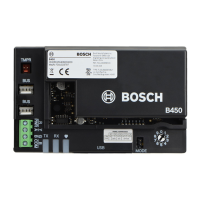
The B450 includes the following on-board LEDs to assist with troubleshooting:
– Heartbeat (system status).
– RX (receive).
– TX (transmit).
The plug-in module also includes LEDs for troubleshooting and status.
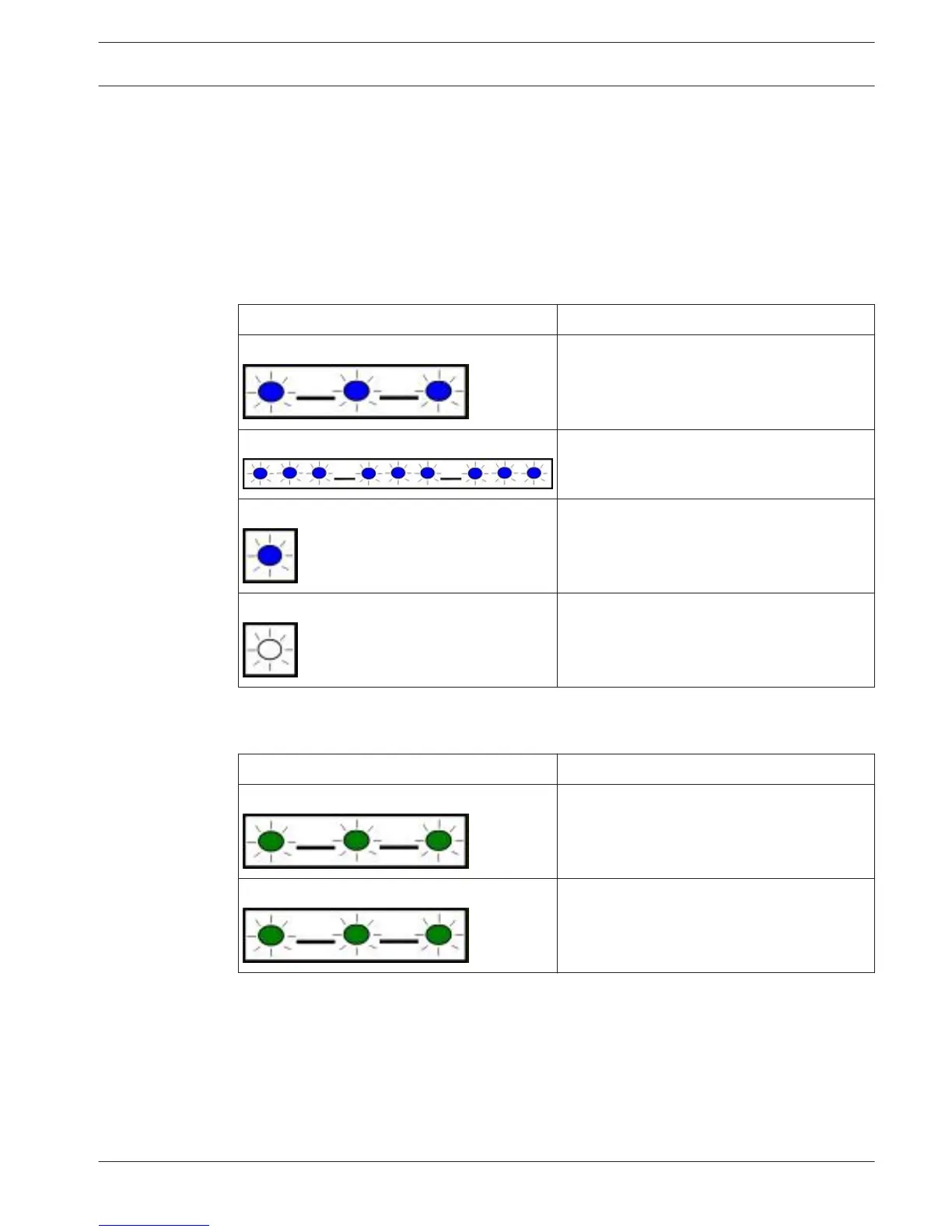
Flash pattern Function
Flashes once every 1 sec Normal state. Indicates normal operation.
3 quick flashes every 1 sec Communication error state. Indicates a bus
communication error with the control panel.
On Steady Trouble state. Indicates a trouble condition
exists. Examine the other LEDs to determine
the trouble condition.
Off LED trouble state. Indicates the module is
not powered up, or there is a failure in the
module. Check for proper installation.
Table 6.1: Heartbeat LED descriptions
Flash pattern
Function
RX (Receive) Flashing Occurs every time a packet is received on-air.
TX (Transmit) Flashing Occurs every time a packet is transmitted on-
air.
Table 6.2: RX and TX LED descriptions
Plug-in communicator LEDs
For communicator LED information, refer to the compatible communicator documentation.
6
6.1
Conettix Plug-in Communicator
Interface
Maintenance and troubleshooting | en 39
Bosch Security Systems, Inc. Installation and Operation Guide 2013.09 | 02 | F.01U.282.875



 To Next Page