122
Group adjustment
Setting up the group adjustment trigger channel
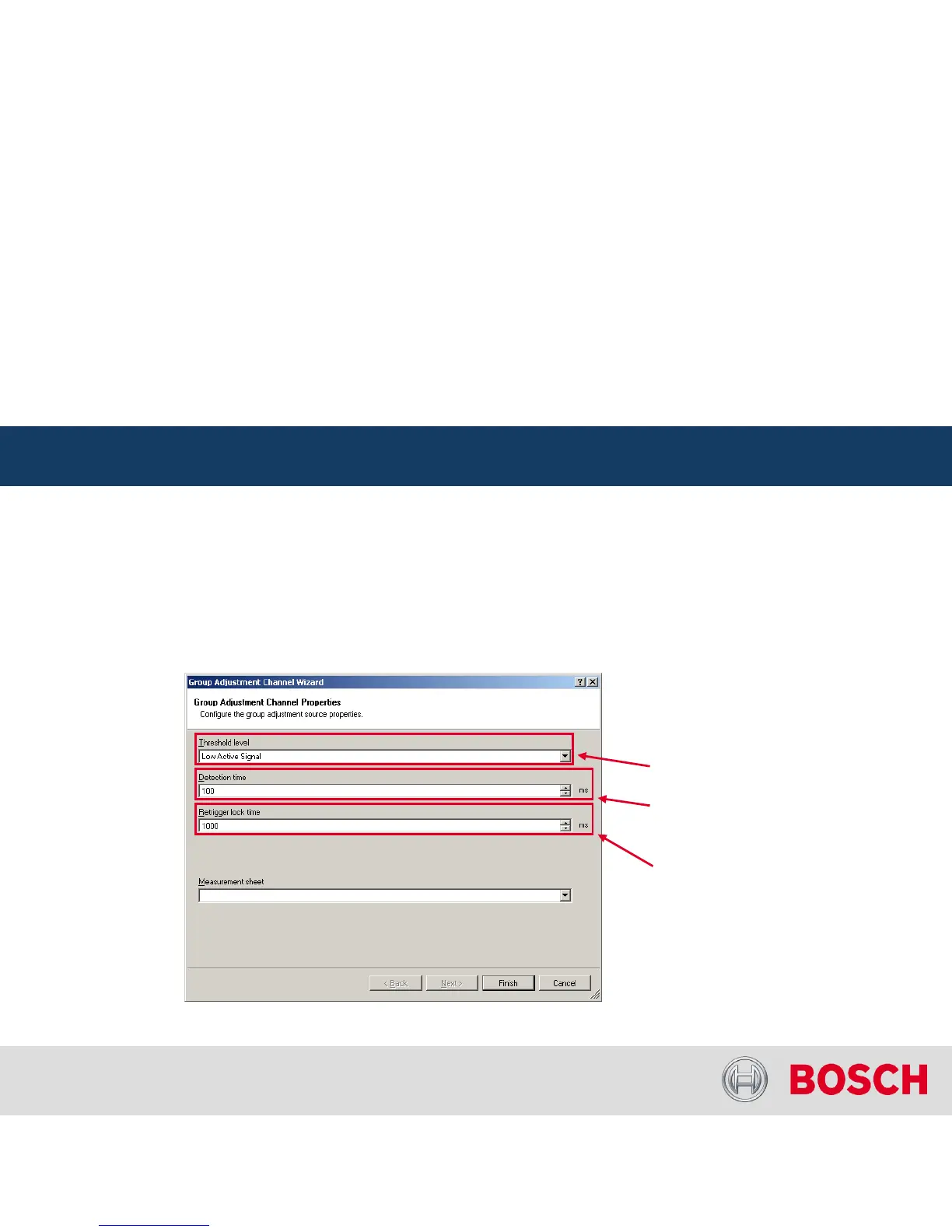
To add a ‘Group Adjustment Channel’
to the project, drag the ‘Group Adjustement
Channel’
element from the
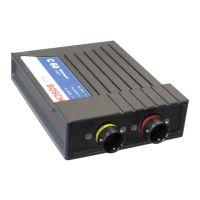
toolbox and drop on the C 60
A ‘Group Adjustment Channel Wizard’
opens
Click ‘Finish’
when done
C 60 Online Measurement
Internal | BEG/EMS1 CsM
| 6/4/2010 | ©
Bosch Engineering GmbH 2009. All rights reserved, also regarding any disposal, exploitation,
reproduction, editing, distribution, as well as in the event of applications for industrial property rights.
Motorsport
C 60 Online Measurement + Calibration
Minimum time
between two
activations
Minimum active
time to detect
and activation
Signal is active
high or active
low




 To Next Page