14 en | Operation Conventional Fire Panel
F.01U.172.982 | 5.0 | 2012.04 Operation Guide Bosch Sicherheitssysteme GmbH
Alarm verification (if programmed)
A zone programmed as alarm verification triggers an alarm,
which you must confirm manually.
Switching off the internal buzzer
Perform display test
Checking the zone status
NOTICE!
This procedure only applies to zones that are programmed as
alarm verification.
Note that the delay settings are only effective in day mode. In
night mode, the alarm is triggered immediately.
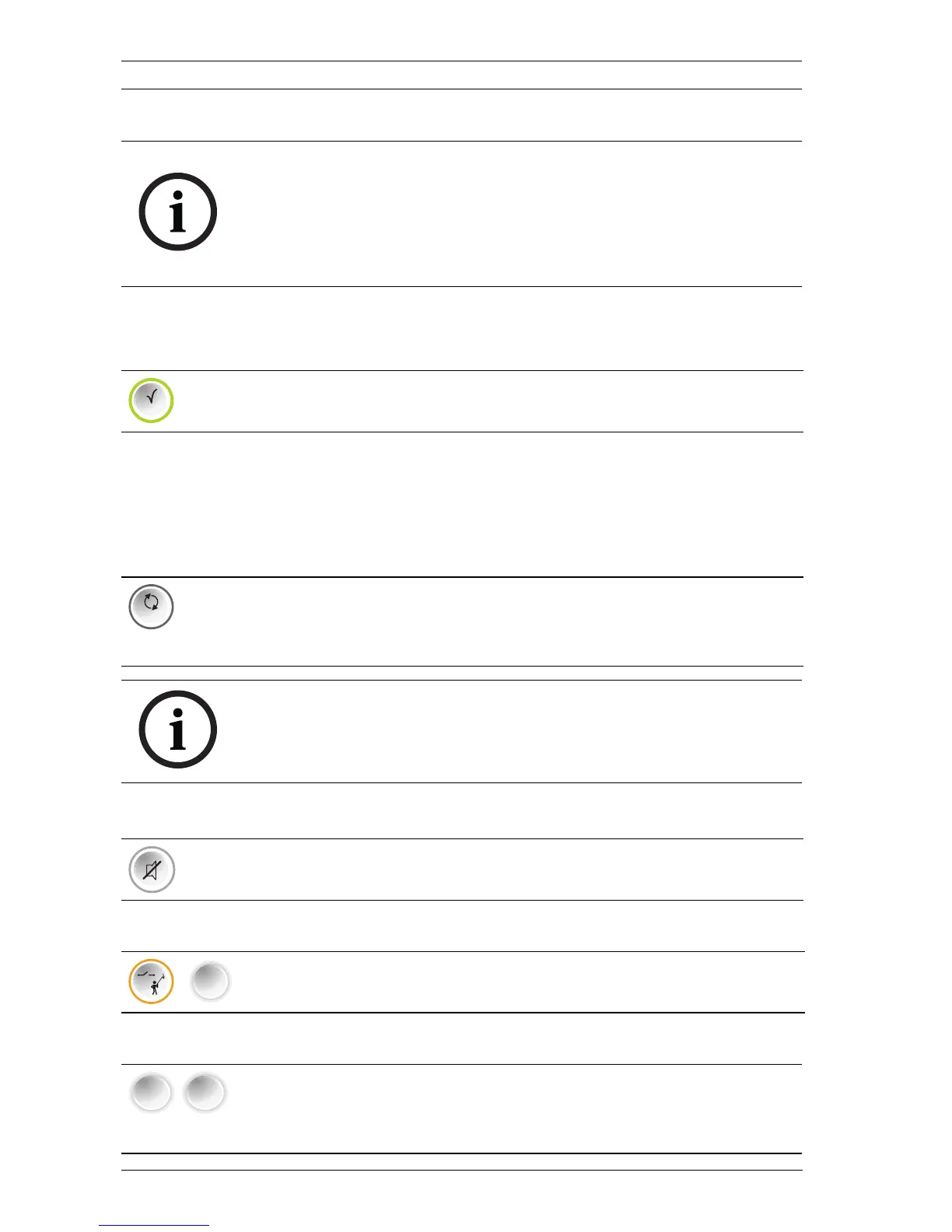
Press the ACK button within the programmed confirmation
time.
The programmed verification time begins.
Check the area of the zone triggering the fire alarm to see if
there is really any fire.
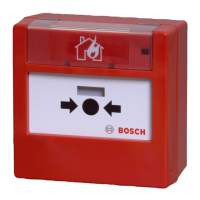
If you have discovered a real fire, use either a manual call
point or the EVAC button to trigger the alarm.
In the event of a false alarm, you can reset the panel within
the programmed verification time using the RESET (ESC)
button.
ACK
RESET
ESC
NOTICE!
Once the confirmation time and verification time have elapsed
an alarm is triggered automatically.
Press the "Buzzer off" key.
The buzzer is now deactivated.
Press the "Test" key and then zone key 1.
All LEDs light up for three seconds and the buzzer sounds.
1
To check the status of a zone, press the relevant zone key
(1 to 8).
The LCD display shows the status of the selected zone.


 To Next Page