SAIC GRADE-X
9
or not. At same time, please provide the name and code of your maintenance station 、
telephone number、e-mail、VCI serial number of these information synchronization
feedback the Maxus administrator for registration.
(4)After registered successfully, please click 【Refresh online】 button or restart
SAIC GRADE-X.
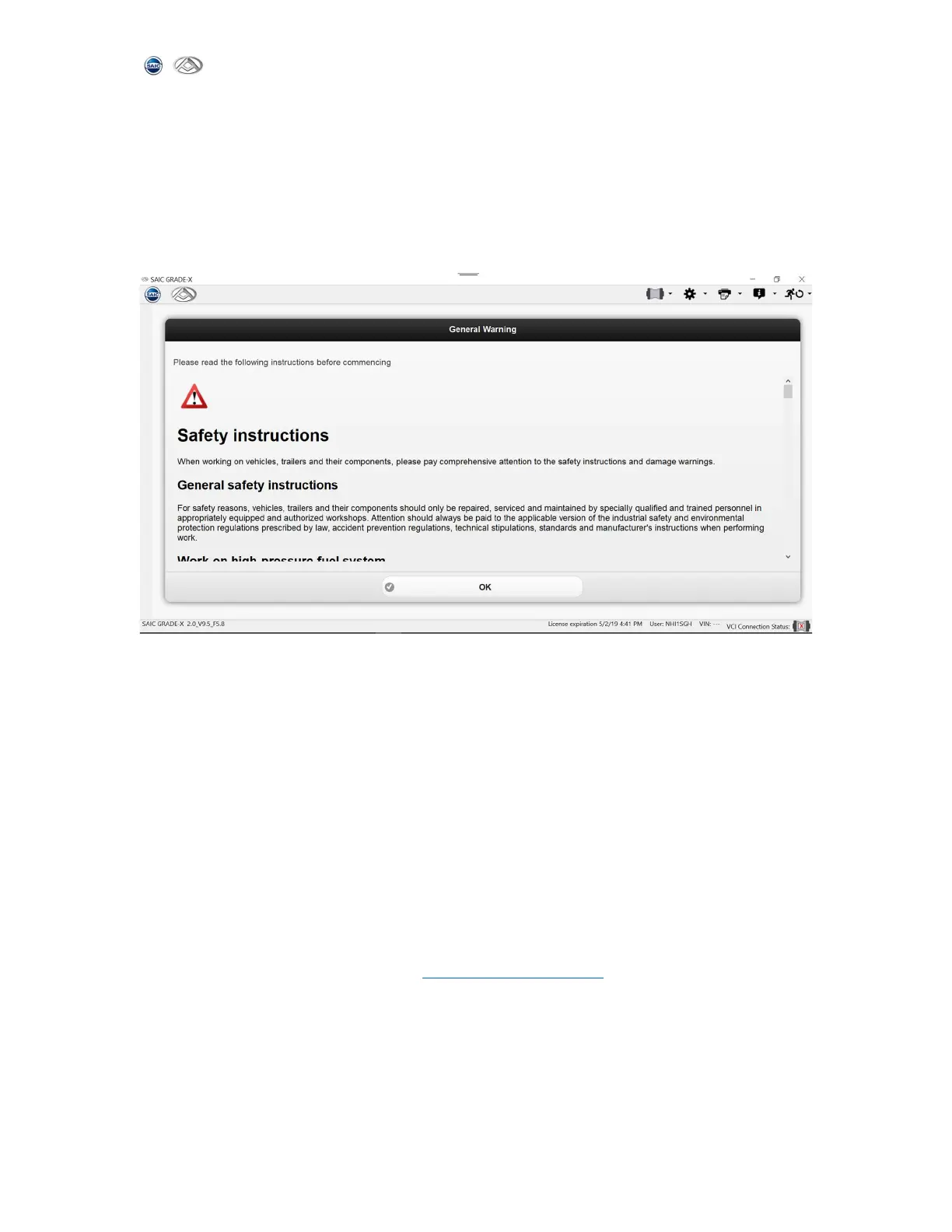
(5)After registered successfully, you will see the diagnostic software home page,
shown as below
(6)You will see the software homepage directly every time when your computer is
registered successfully. But you have to ensure your computer works connected to
network every 30 days. Or else you have to register your computer again following step
(1) to (5).
NOTE: When you want to change your computer. After you install SAIC GRADE-X on the new
computer the new hardware information will display on the machine. Please send it to
Maxus administrator to activate it. You also need to send your older hardware
information to Maxus administrator to revoke it.
User information is managed by the administrator Maxus, if any questions or encounter
problems, please contact MAXUS administrator.
Maxus administrator E-mail address: chenle14@saicmotor.com



 To Next Page